Set Default Woocommerce Page

1. Log into WordPress Dashboard
- Go to
yourdomain.com/wp-admin. - Enter your login credentials.

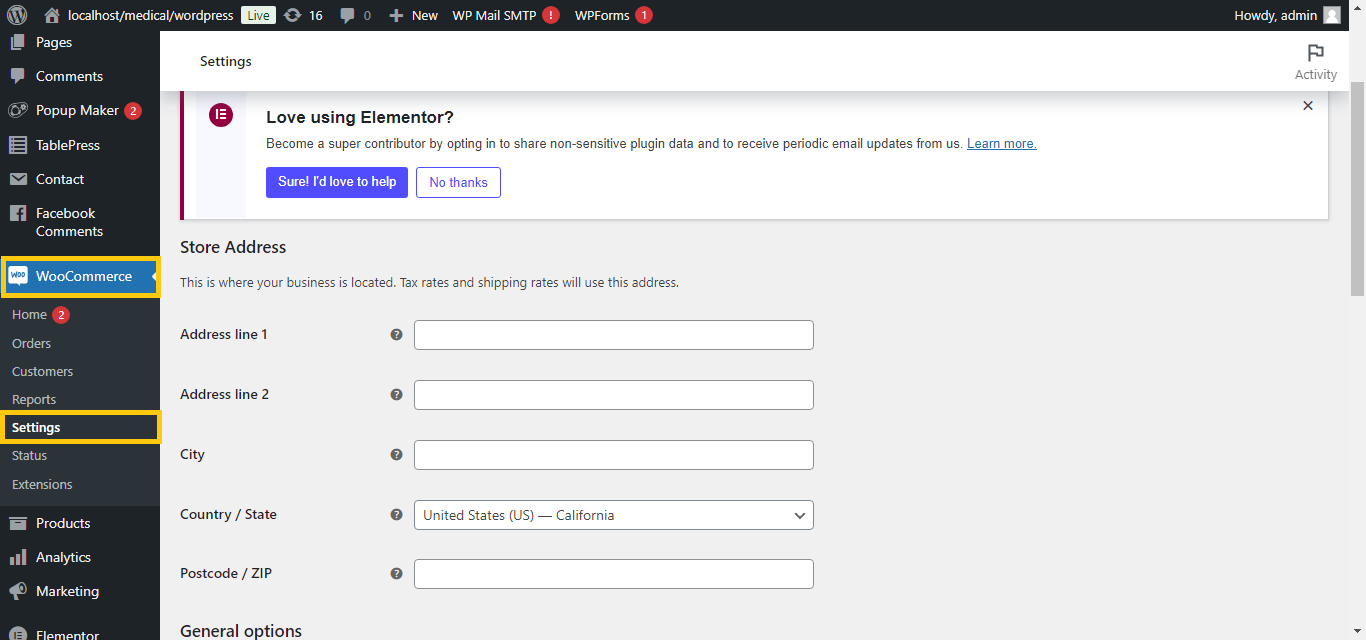
2. Go to WooCommerce Settings
- In the WordPress dashboard, go to WooCommerce > Settings.
3. Navigate to the Products Tab
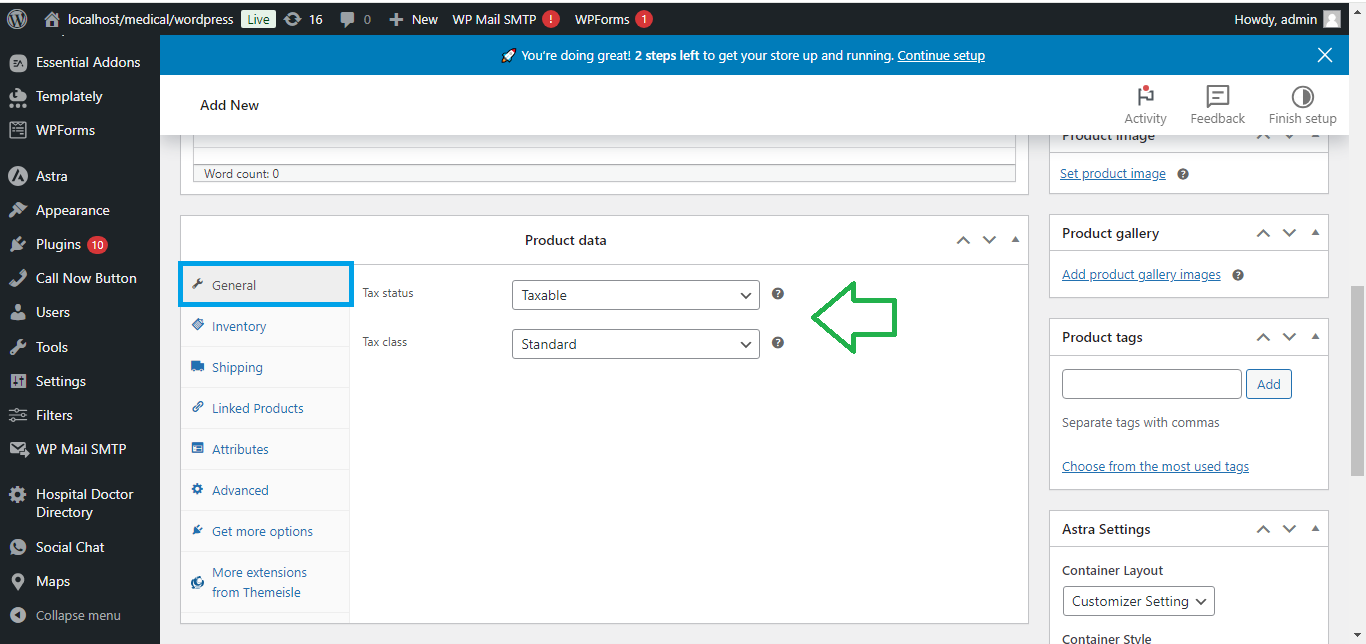
- Click on the Products tab.
- Under the General section, find the Shop Page option.
- Select the page you want to use as the default Shop page from the dropdown menu (usually titled “Shop”).
4. Set Cart, Checkout, and My Account Pages
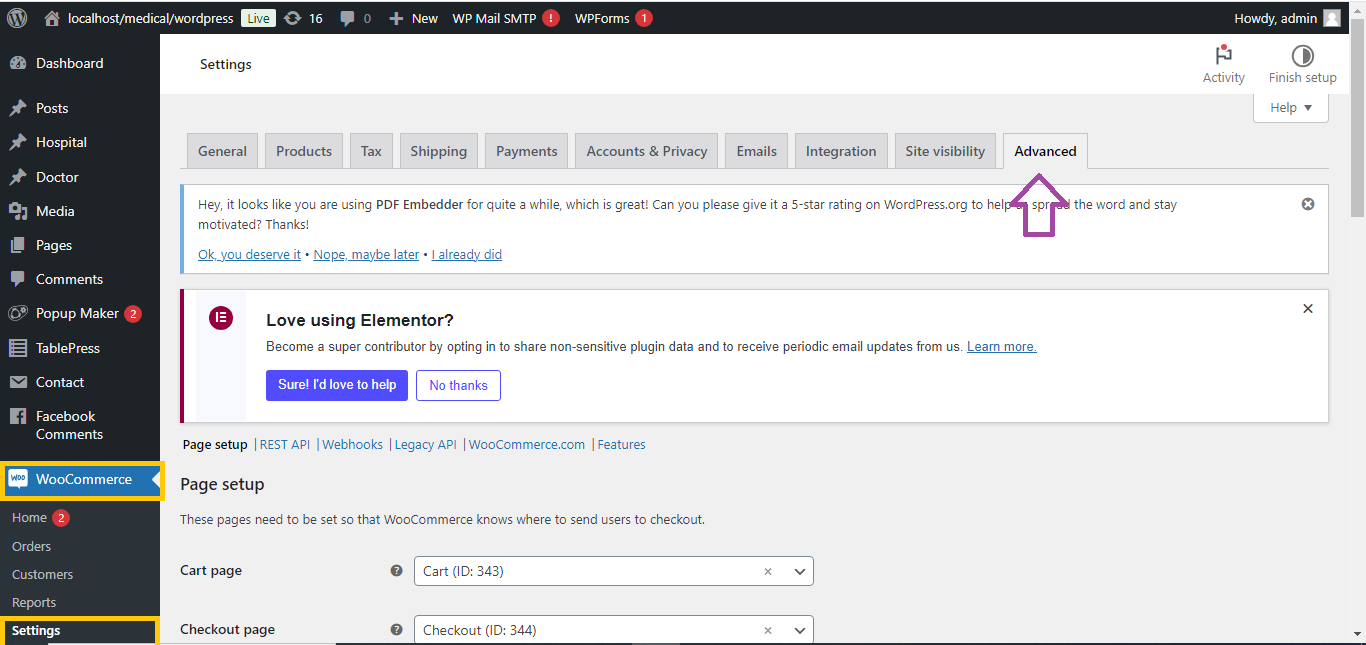
- Go to the Advanced tab.
- Under the Page Setup section, you’ll find options to set:
- Cart Page: Choose the Cart page.
- Checkout Page: Choose the Checkout page.
- My Account Page: Choose the My Account page.
5. Save Changes
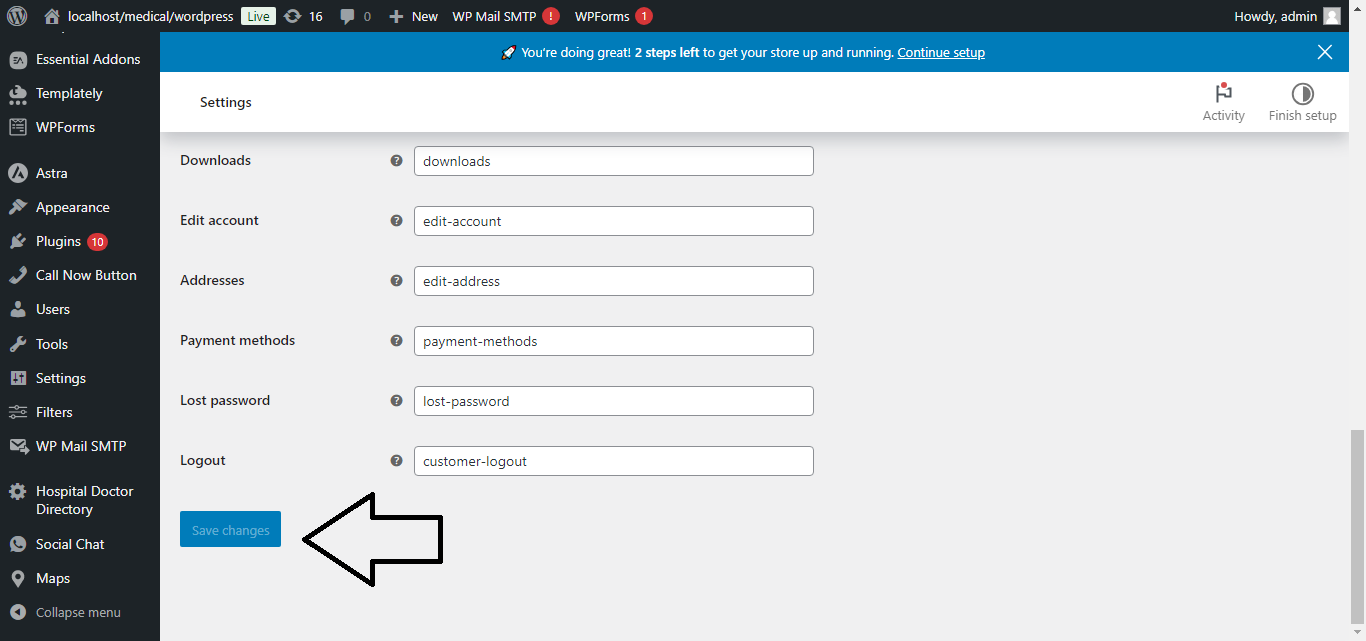
- After selecting the default pages, click Save Changes at the bottom.
Now your WooCommerce default pages are set!


