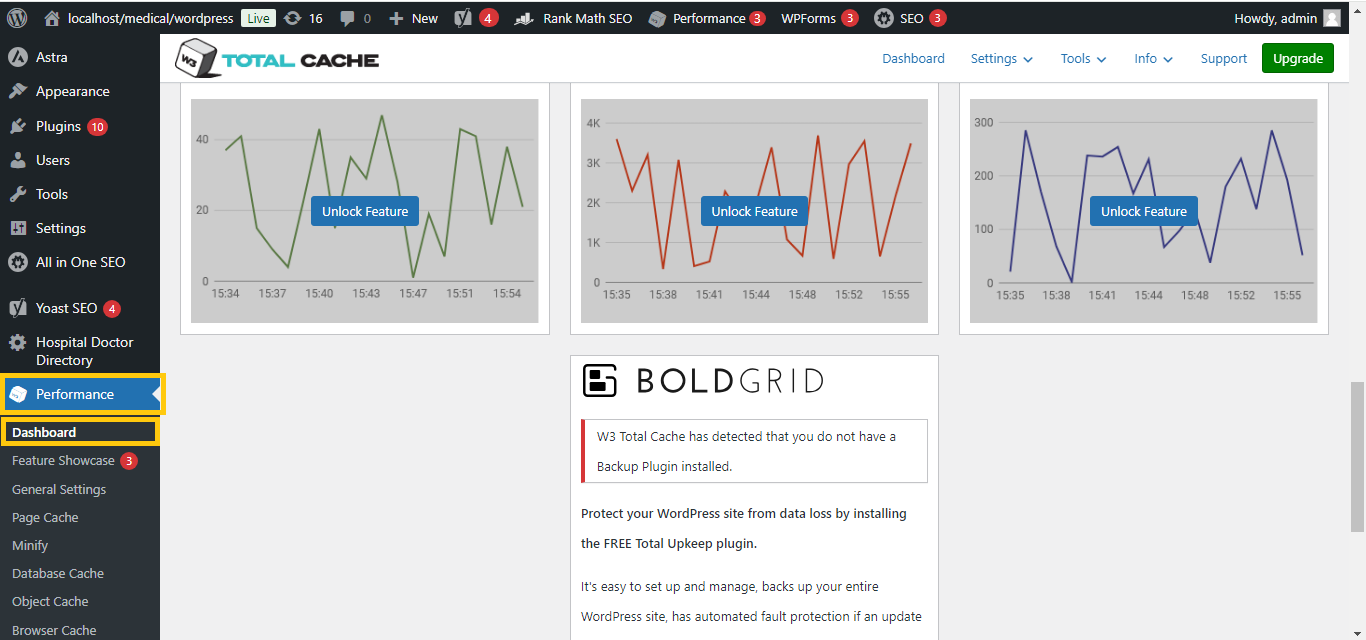
W3 Total Cache

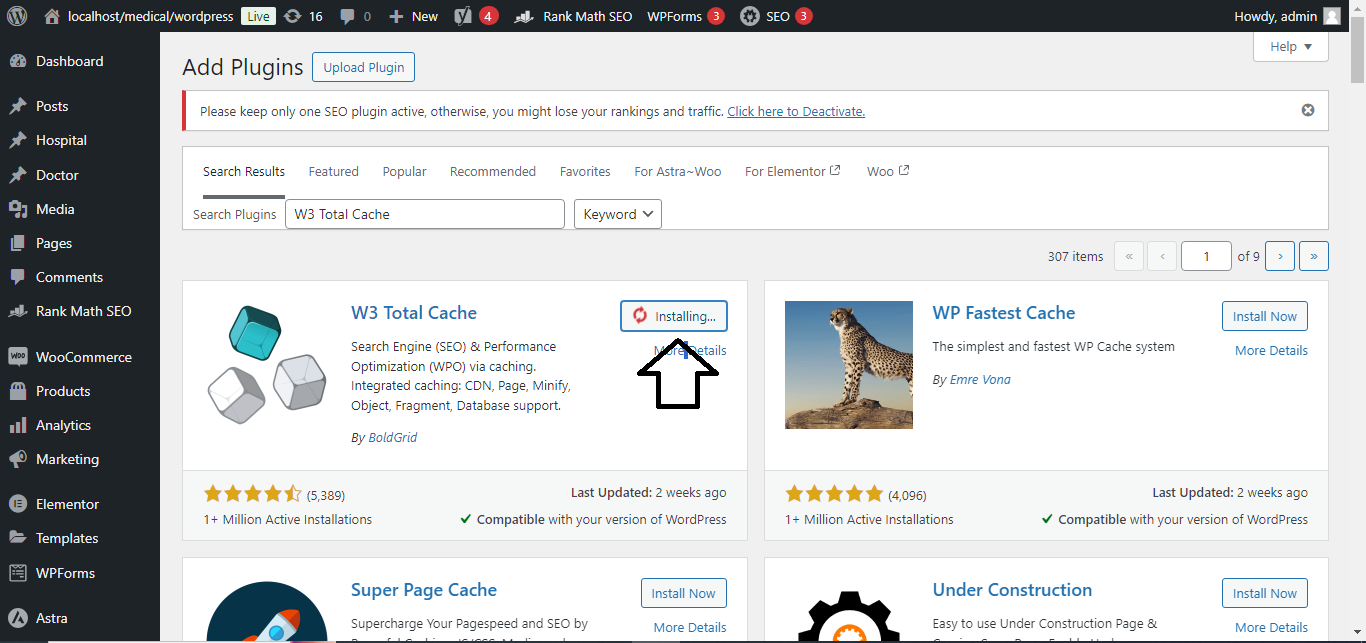
1. Install a Free Caching Plugin (e.g., W3 Total Cache or WP Super Cache)
- Log in to your WordPress Dashboard.
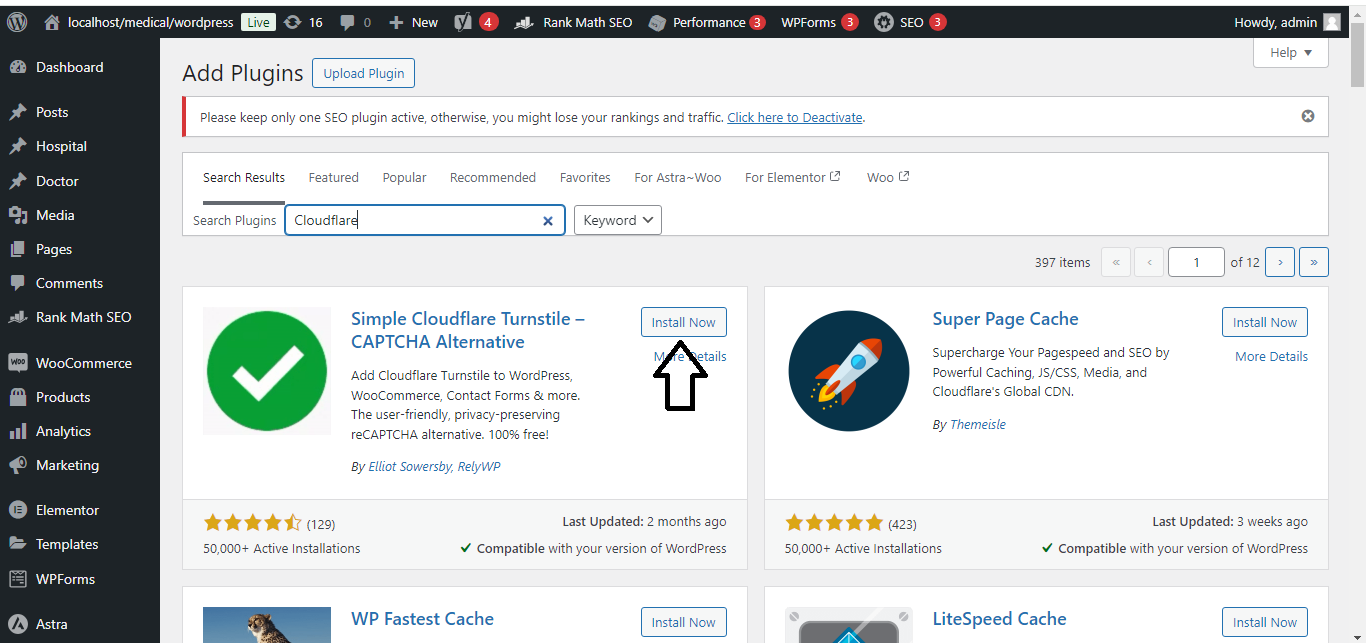
- Go to Plugins → Add New.
- In the search bar, type W3 Total Cache or WP Super Cache.
- Click Install Now next to the plugin.
- Once installed, click Activate.
2. Configure Caching Settings
- For W3 Total Cache:
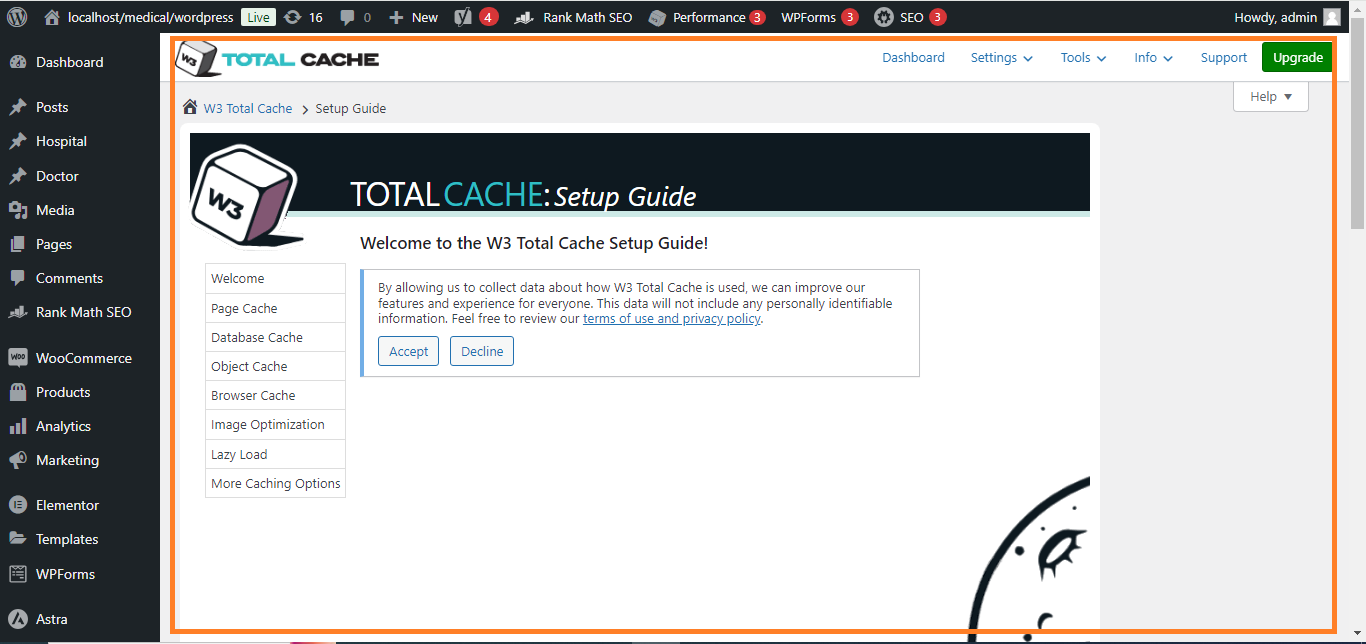
- Go to Performance → General Settings.
- Enable Page Cache, Minify, Opcode Cache, and Browser Cache (depending on your server capabilities).
- Click Save All Settings.
- For WP Super Cache:
- Go to Settings → WP Super Cache.
- Under Caching, enable Caching On.
- Click Update Status.
3. Enable File Minification
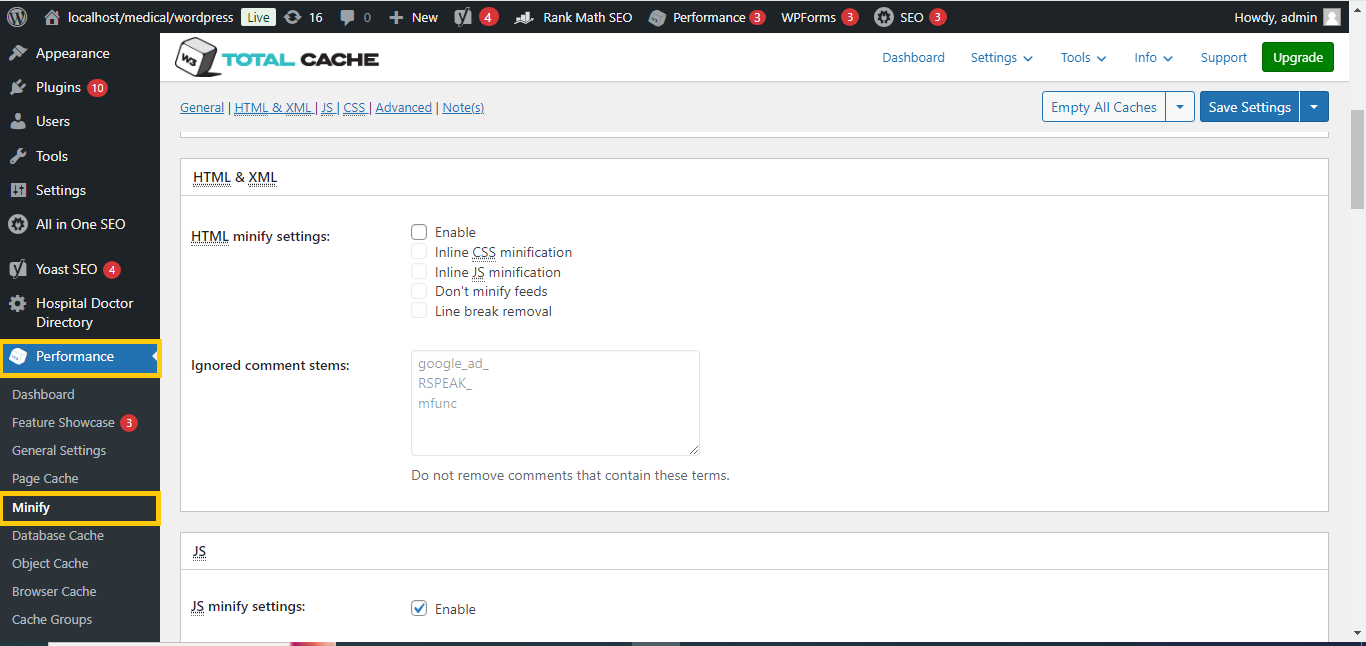
- If using W3 Total Cache:
- Go to Performance → Minify.
- Enable HTML Minify, CSS Minify, and JavaScript Minify.
- Click Save All Settings.
- If using WP Super Cache, you can install a separate plugin for minification like Autoptimize:
- Go to Plugins → Add New.
- Search for Autoptimize and click Install Now.
- Once activated, go to Settings → Autoptimize.
- Enable Optimize JavaScript, Optimize CSS, and Optimize HTML.
-
- Click Save Changes.
4. Enable Lazy Loading
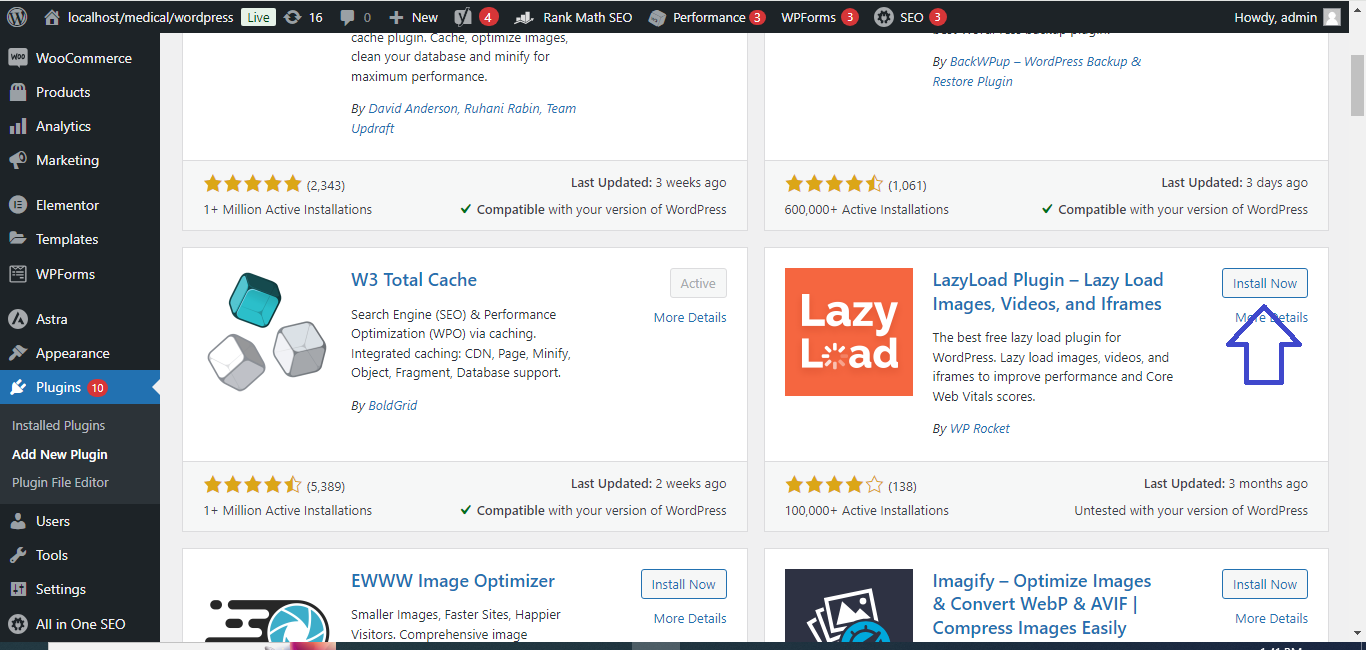
- Install and activate a free plugin like Lazy Load by WP Rocket (a separate free plugin):
- Go to Plugins → Add New.
- Search for Lazy Load by WP Rocket.
- Install and activate the plugin.
- Lazy load will automatically be enabled for images and iframes without further configuration.
5. Optimize Your Database
- Install a plugin like WP-Optimize:
- Go to Plugins → Add New.
- Search for WP-Optimize and click Install Now.
- Once activated, go to WP-Optimize in your dashboard.
- Click Run all selected optimizations to clean up your database.
6. Use a Content Delivery Network (CDN)
- If you want to use a CDN for free, you can set up Cloudflare (which offers a free plan).
- Sign up for a free account on Cloudflare.
- Follow Cloudflare’s instructions to change your DNS and enable CDN for your site.
- Install the Cloudflare plugin from WordPress to easily integrate it with your site.
7. Check Site Speed
- After optimizing your site using the free plugins, test your site’s performance using Google PageSpeed Insights or GTMetrix.
These free tools will help you achieve similar results to WP Rocket without needing the premium version.


