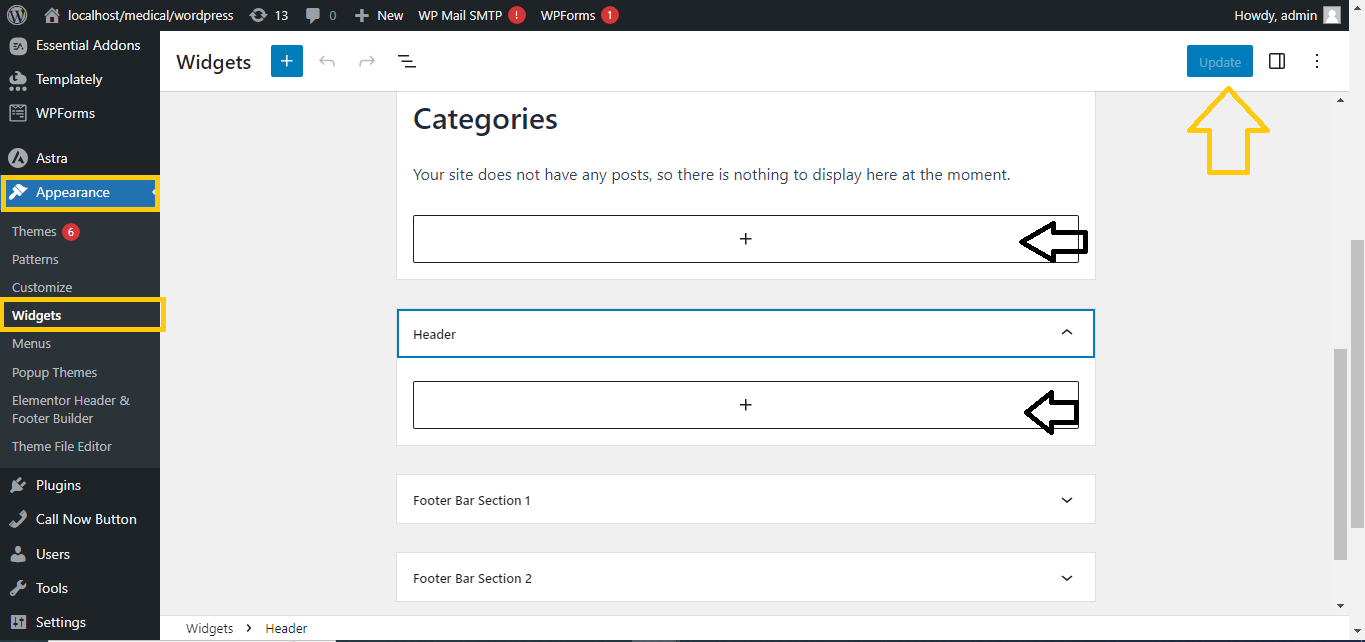
Easily Hide Widget Title in WordPress
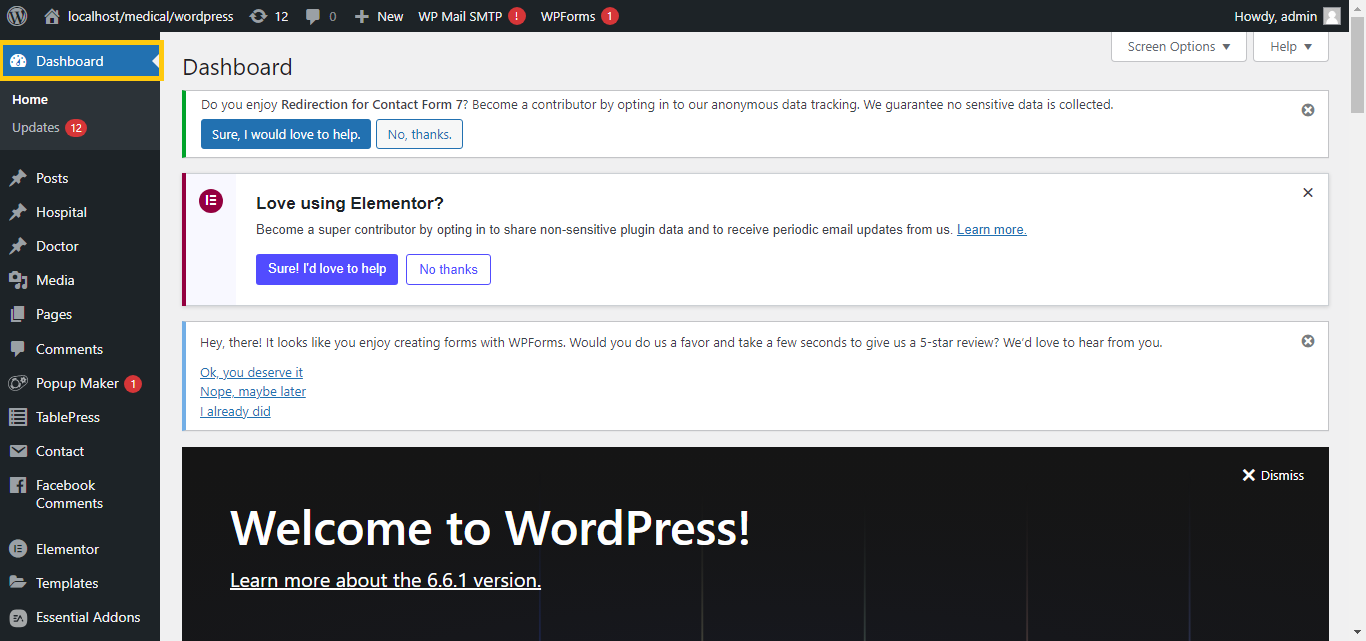
- Log In to Your WordPress Dashboard:
- Go to your WordPress admin area.
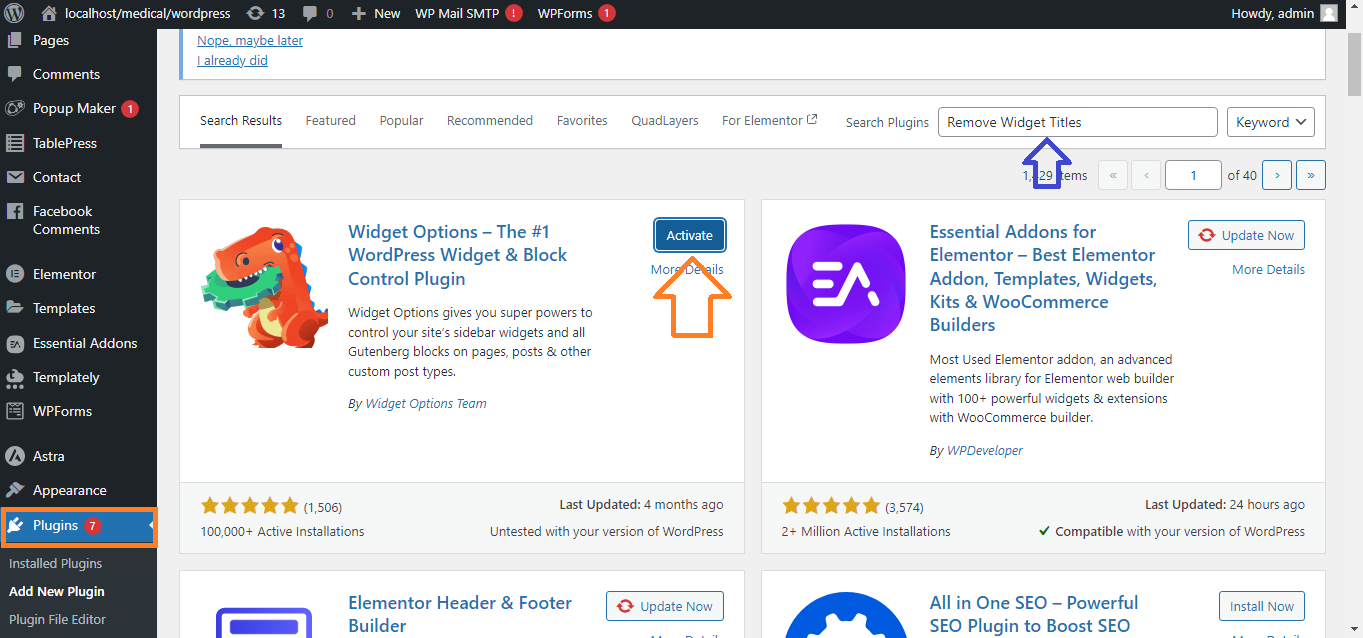
- Install the “Remove Widget Titles” Plugin:
- Go to
Plugins > Add New.
- Search for the “Remove Widget Titles” plugin.
- Click
Install and then Activate.
- Hide Widget Title:
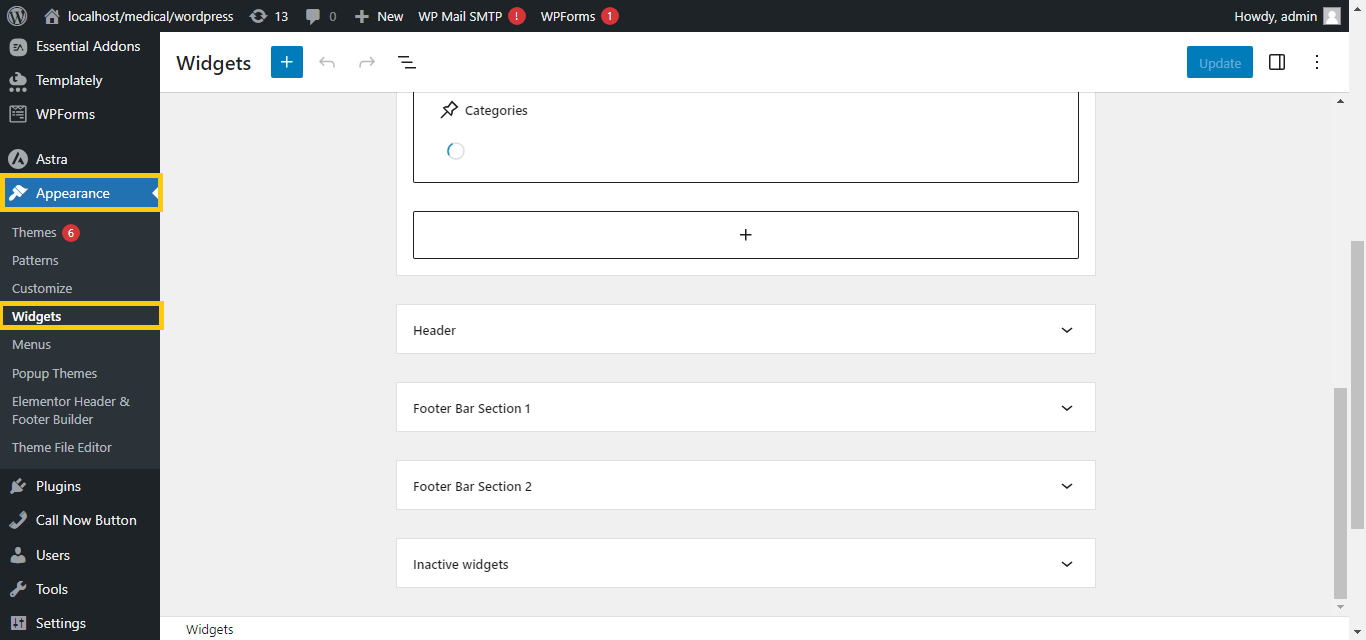
- Go to
Appearance > Widgets.
-
- Open the widget where you want to hide the title.
- Simply add an exclamation mark
! before the widget title (e.g., !My Widget Title).
- Save the widget, and the title will be hidden on the front end but still visible in the widget settings for easy identification.