Embed PDF on Your WordPress Website
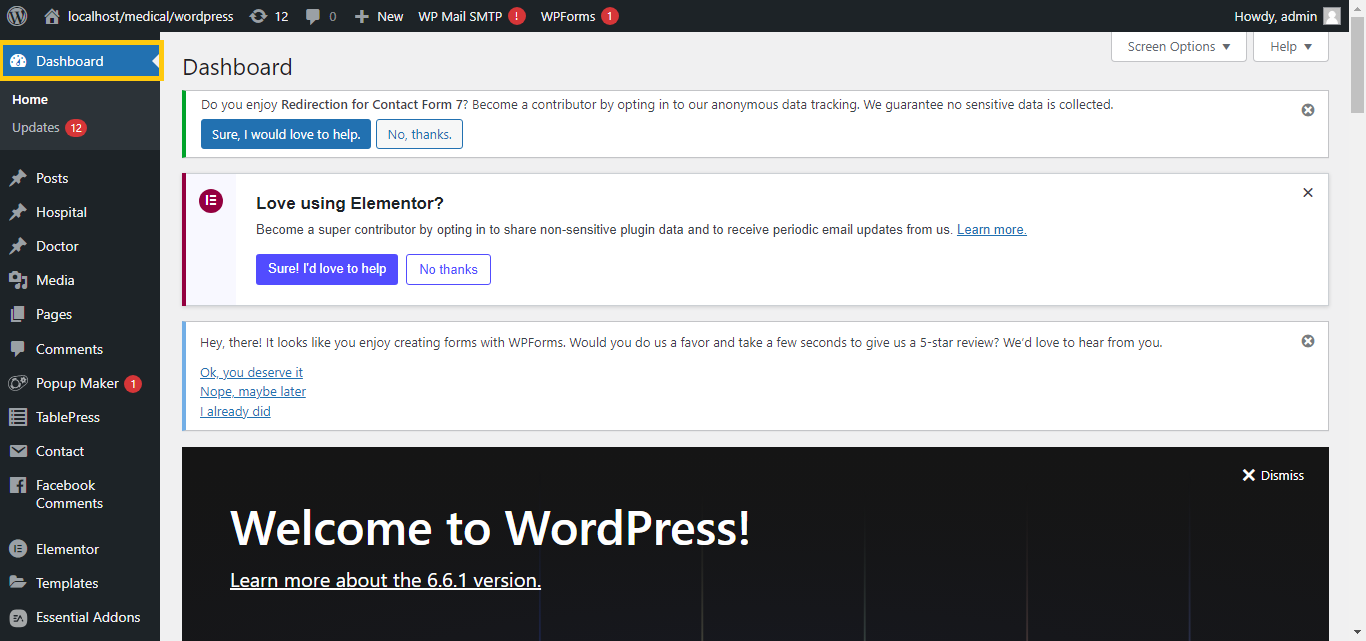
- Log In to Your WordPress Dashboard:
- Go to your WordPress admin area.
- Install a PDF Embed Plugin:
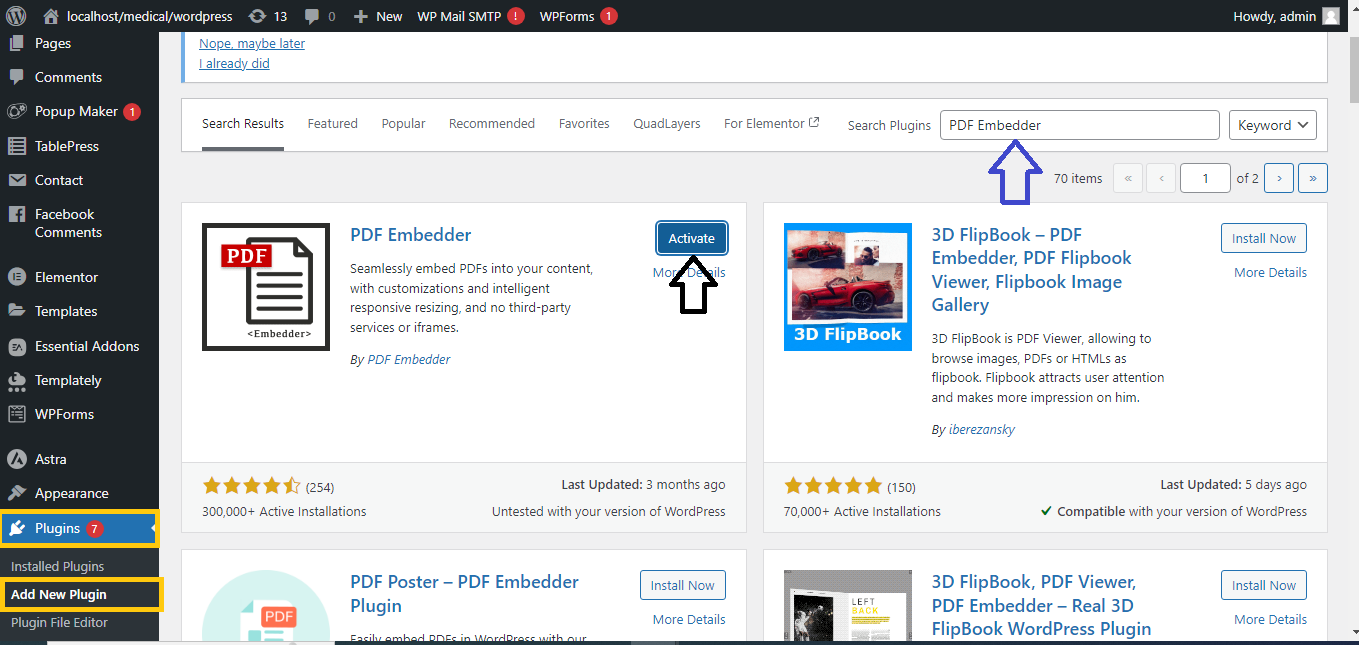
- Go to
Plugins > Add New.
- Search for a plugin like “PDF Embedder” or “Embed PDF Viewer.”
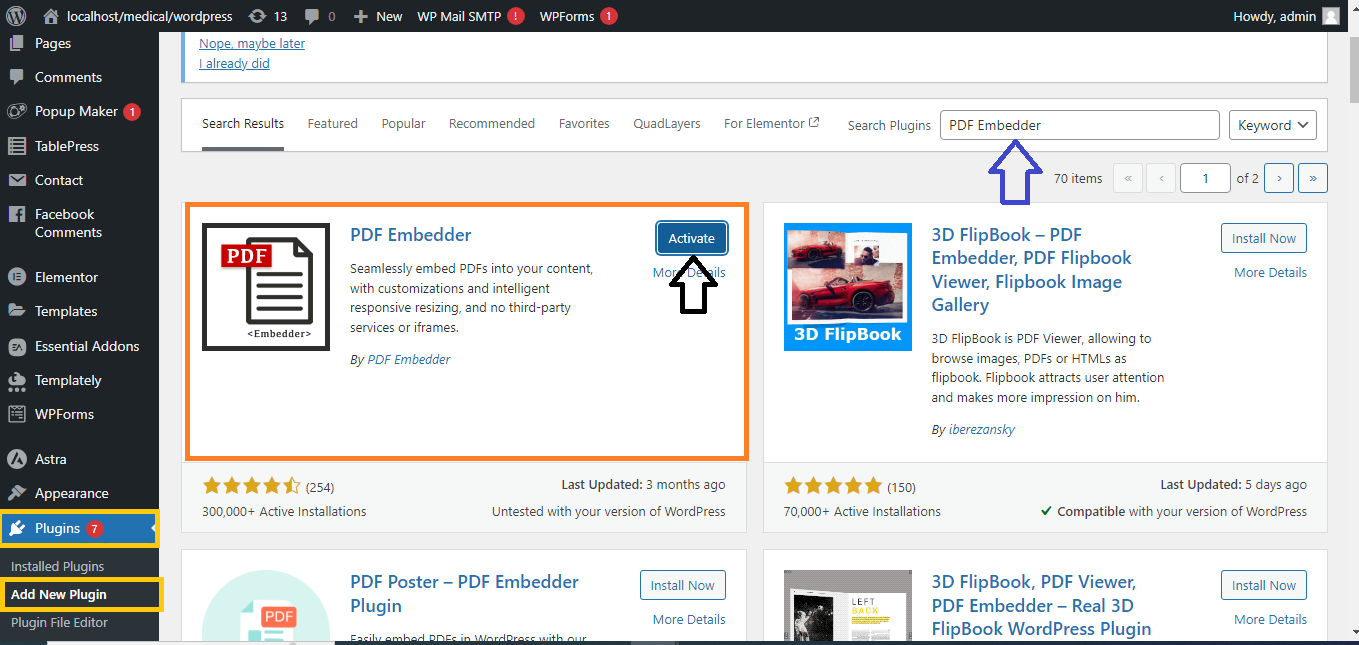
- Activate the Plugin:
- Install and activate the plugin you choose.
- Embed the PDF:
- Follow the plugin’s specific instructions. Generally, you will need to:
- Go to the page or post where you want to embed the PDF.
- Use the plugin’s block or shortcode to embed the PDF. For example, with the “PDF Embedder” plugin, you might use a block to select and display your PDF.
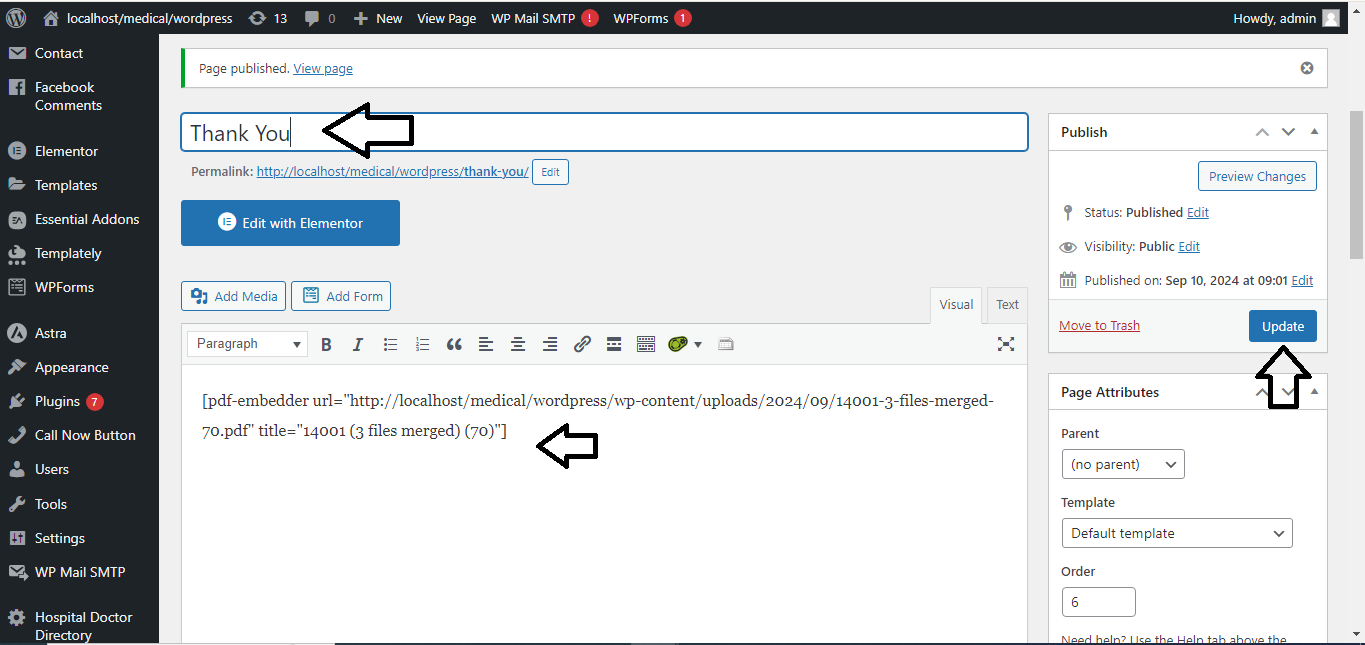
- Publish/Update Your Post/Page:
- Click “Publish” or “Update” to save and apply the changes.



