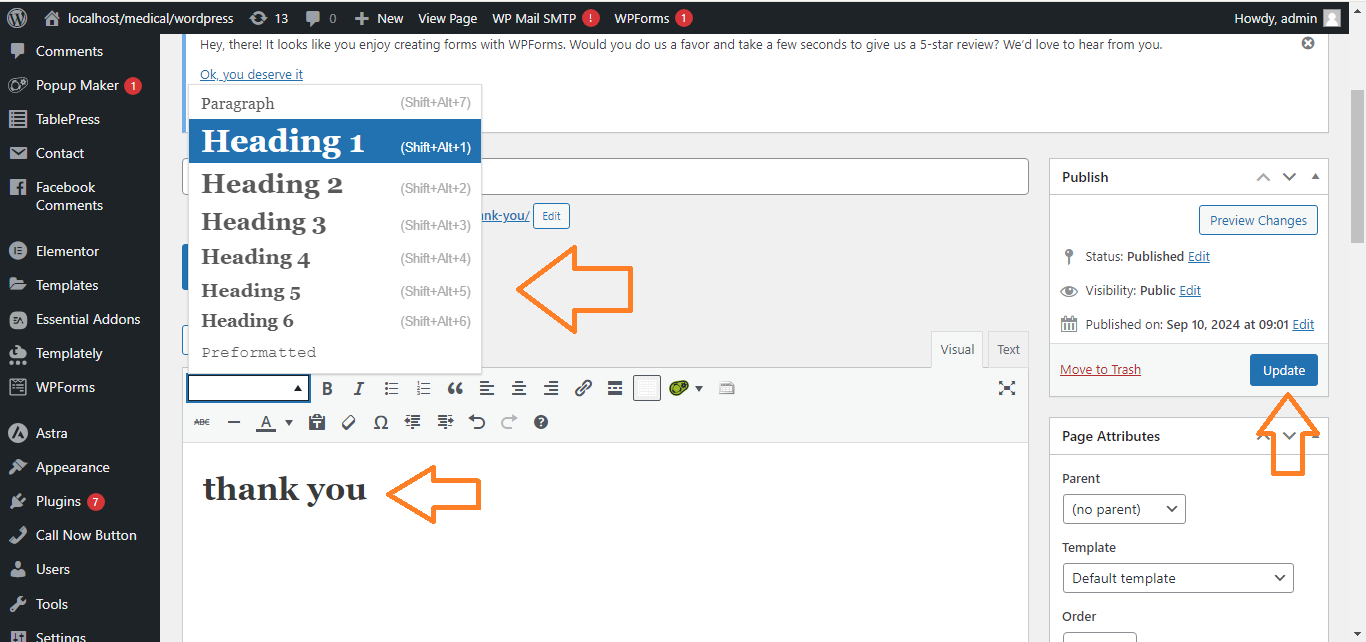
Change the Text Colour in WordPress
Method 1: Using the Block Editor (Gutenberg)
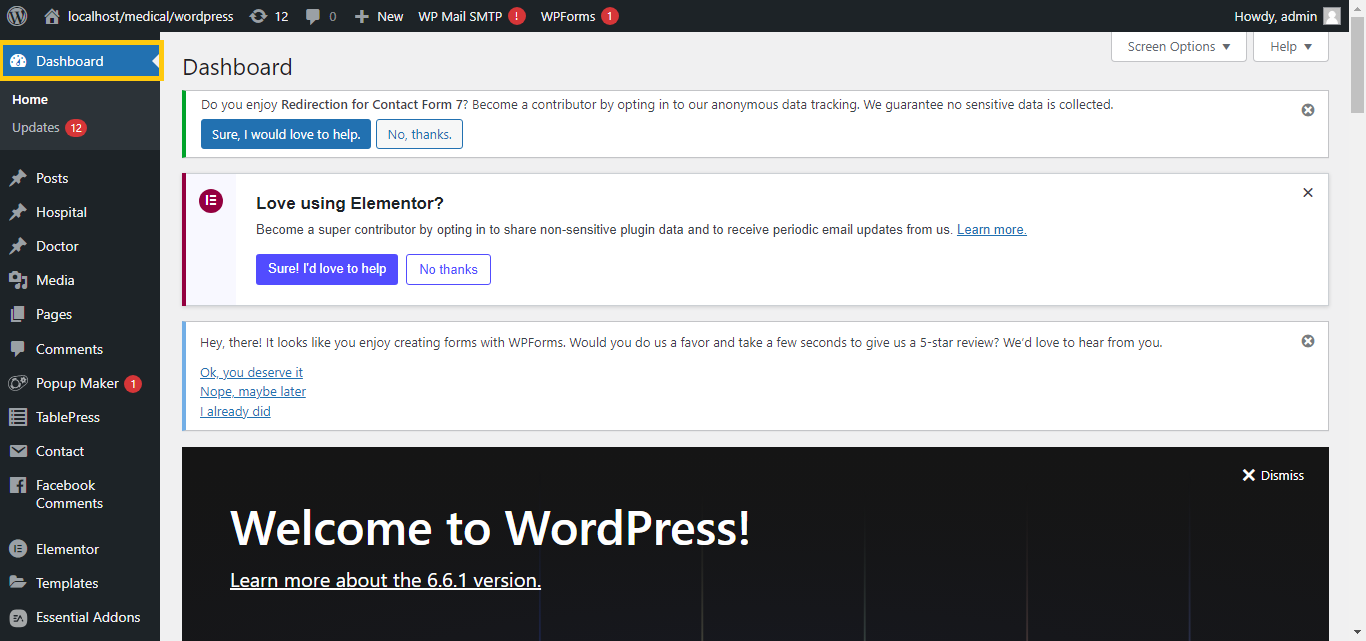
- Log In to Your WordPress Dashboard:
- Go to your WordPress admin area.
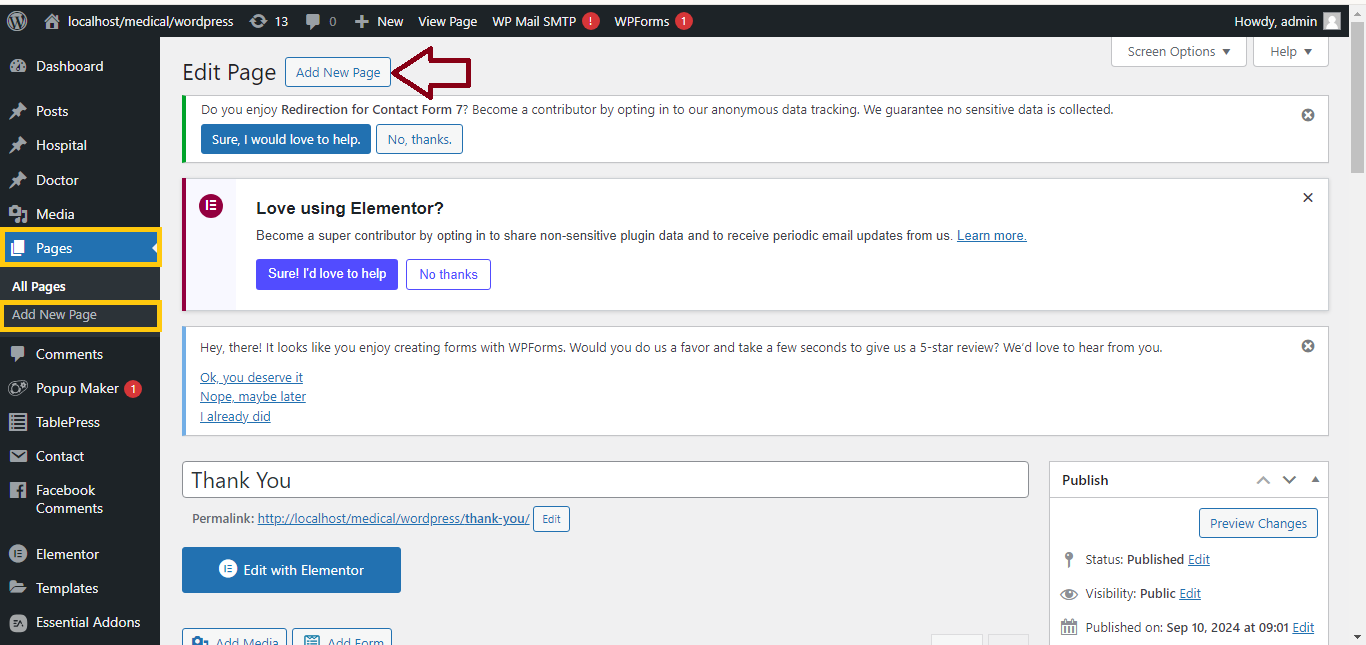
- Edit a Post or Page:
- Navigate to
Posts or Pages and select the one you want to edit, or click Add New.
- Select the Text Block:
- Click on the paragraph, heading, or text block where you want to change the text color.
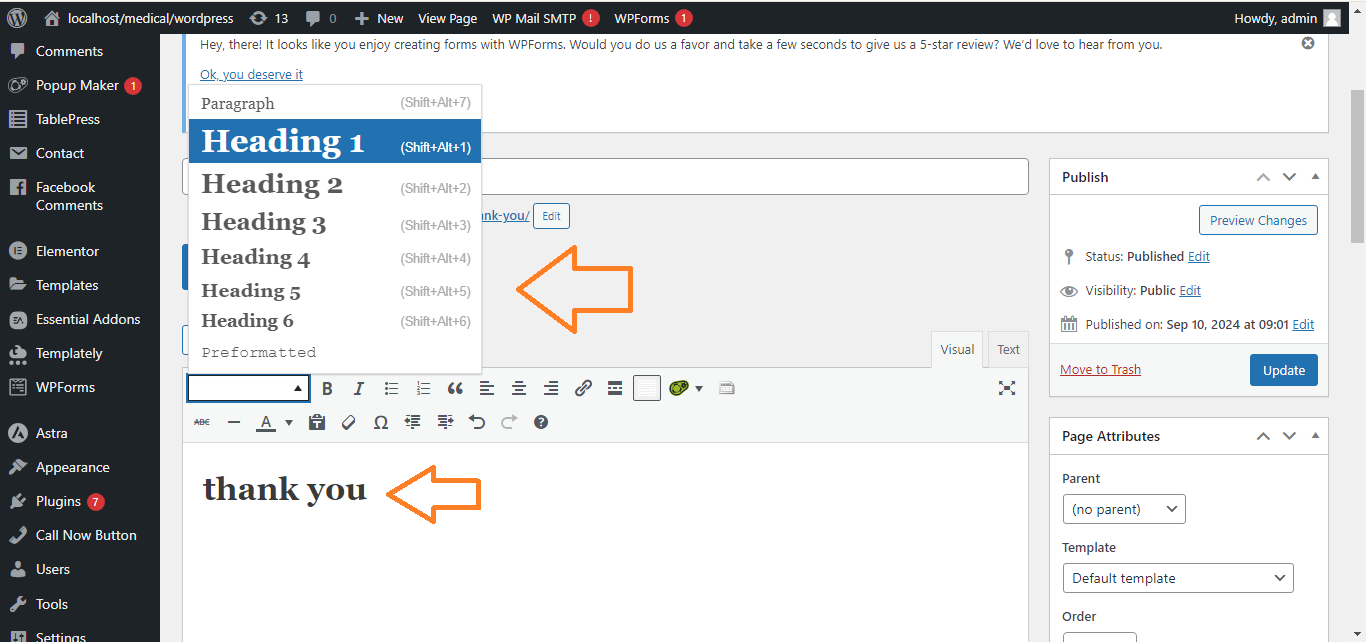
- Change Text Color:
- On the right-hand sidebar, under the “Block” tab, find the “Text Color” option.
- Click on it, and a color picker will appear.
- Choose your desired color from the palette or input a hex color code.
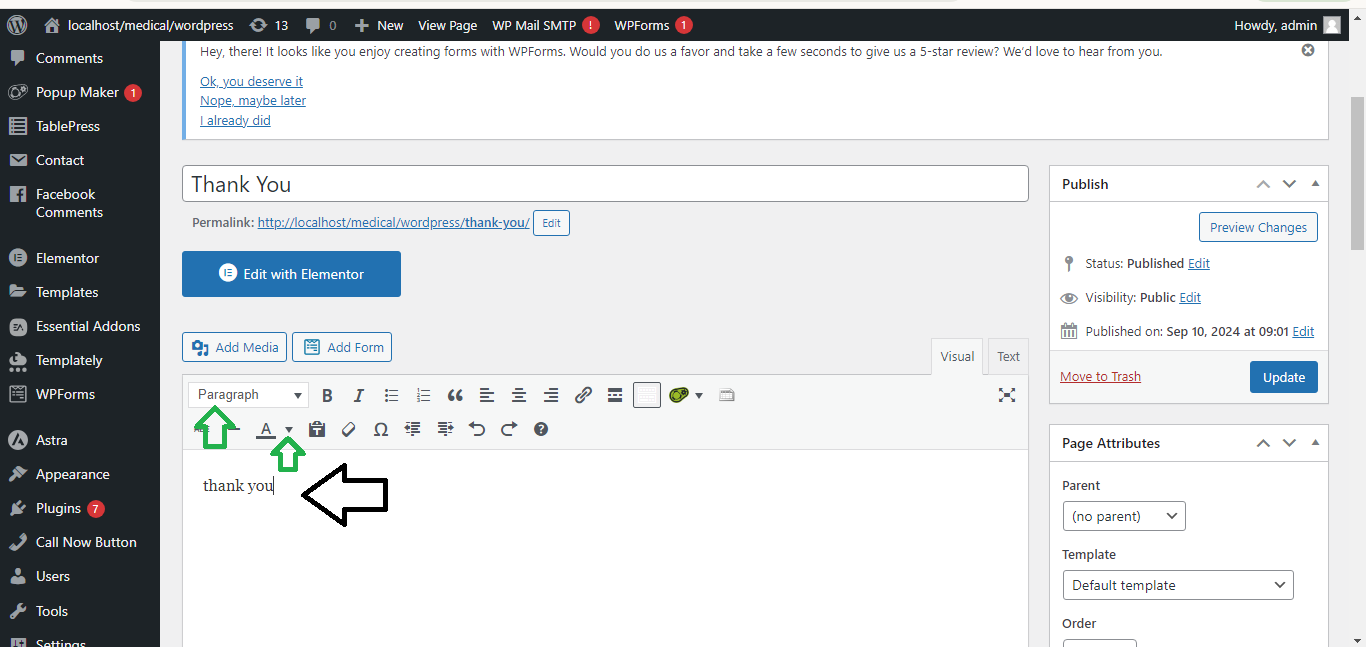
- Publish or Update:
- Click
Publish or Update to save the changes.