Change the Font Size in WordPress

Step 1: Install the TinyMCE Advanced Plugin (for Font Size Option)
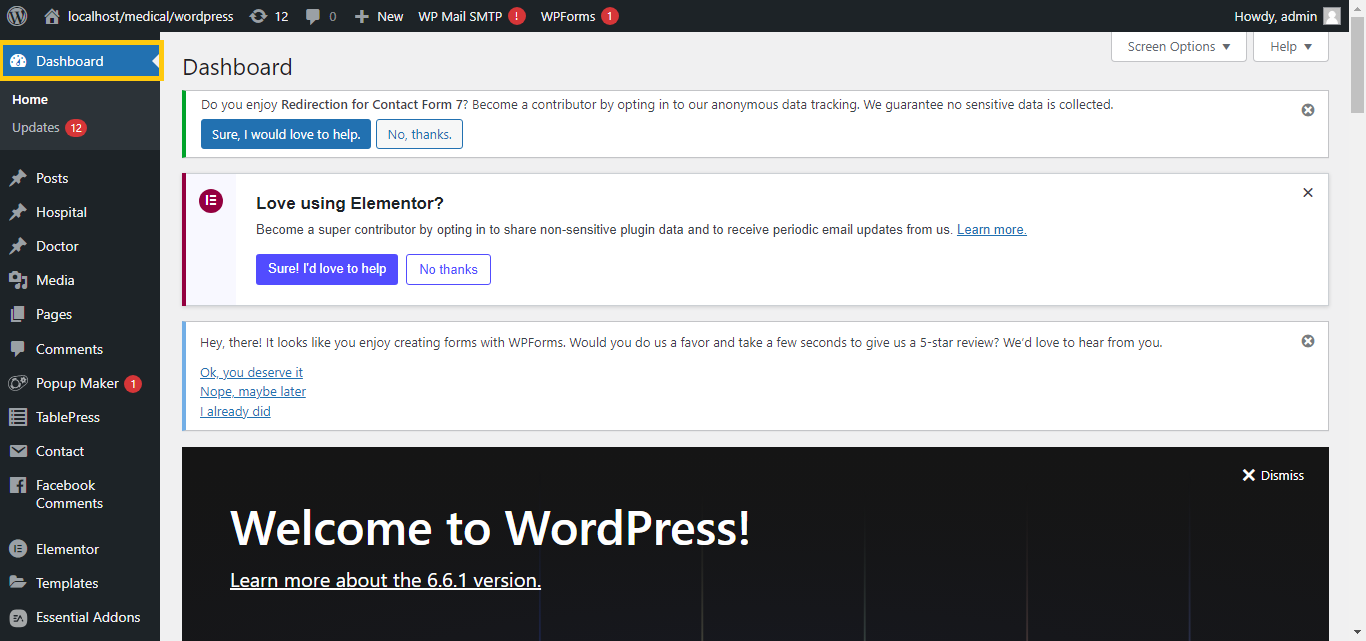
- Log in to Your WordPress Dashboard:
- Go to your WordPress admin area.
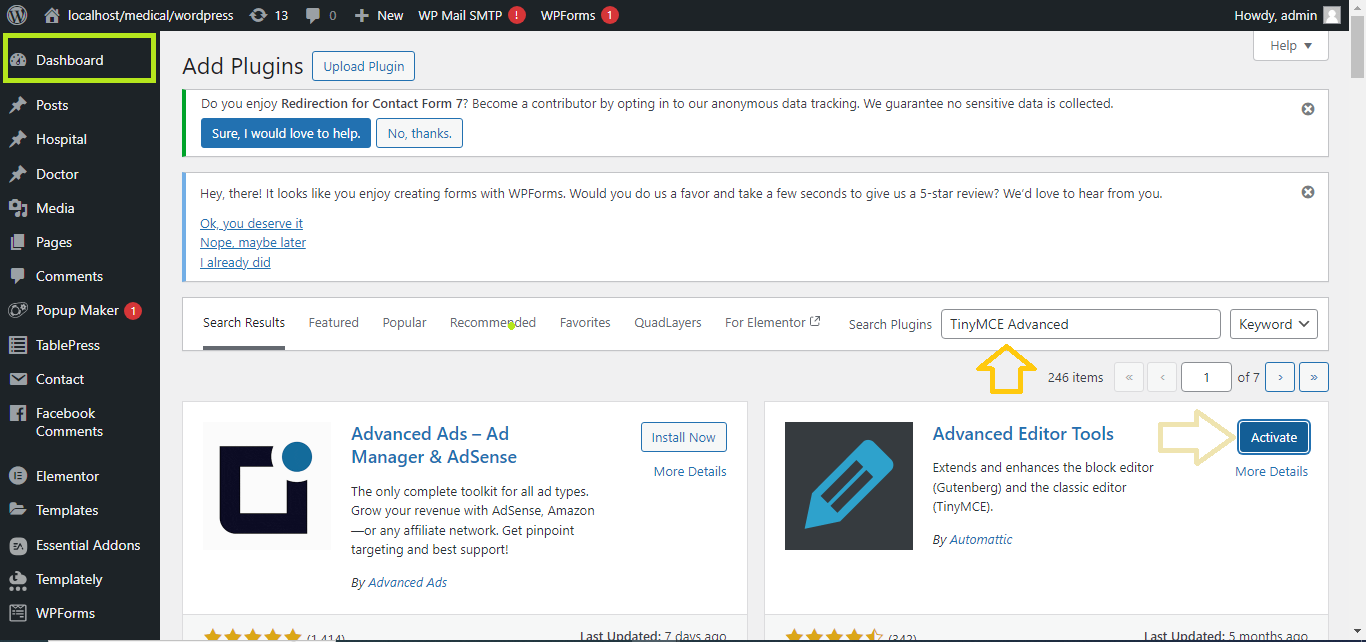
- Install TinyMCE Advanced Plugin:
- Navigate to
Plugins>Add New. - In the search bar, type “TinyMCE Advanced.”
- Install and activate the TinyMCE Advanced plugin.
- Navigate to
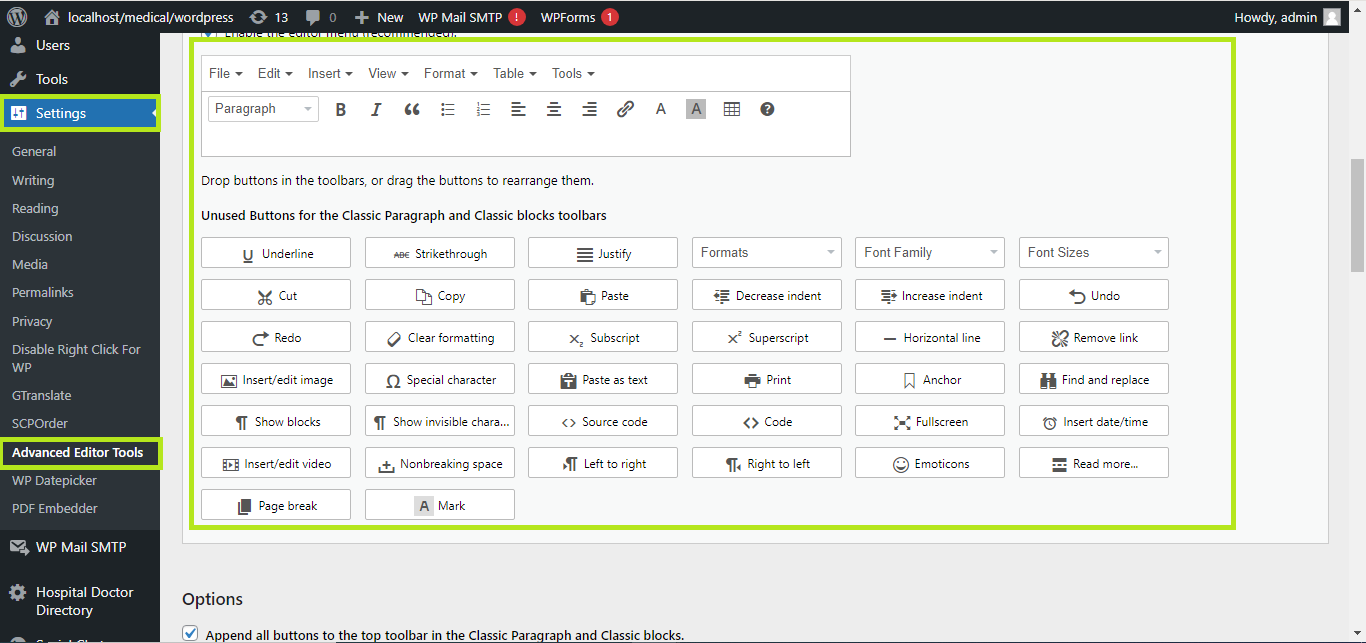
- Enable Font Size Option:
- After activating the plugin, go to
Settings>TinyMCE Advanced. - Drag the Font Sizes option from the available buttons into the toolbar layout.
- After activating the plugin, go to
-
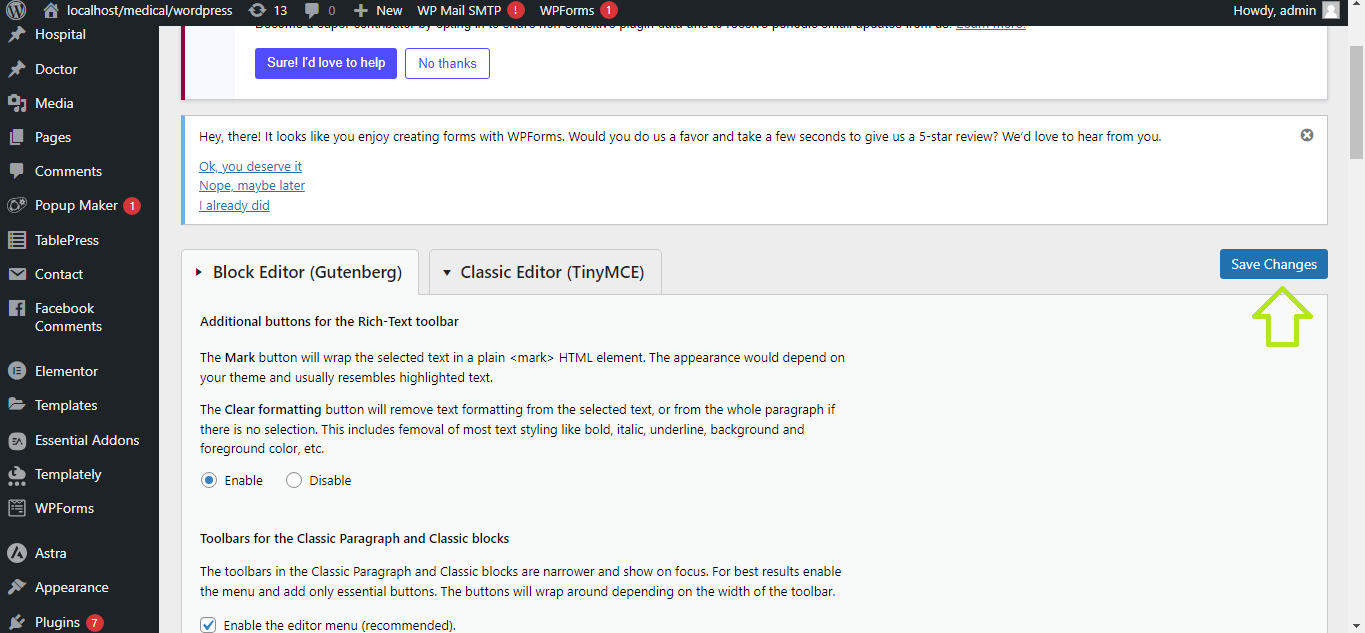
- Save the changes.