Essential Addons for Elementor

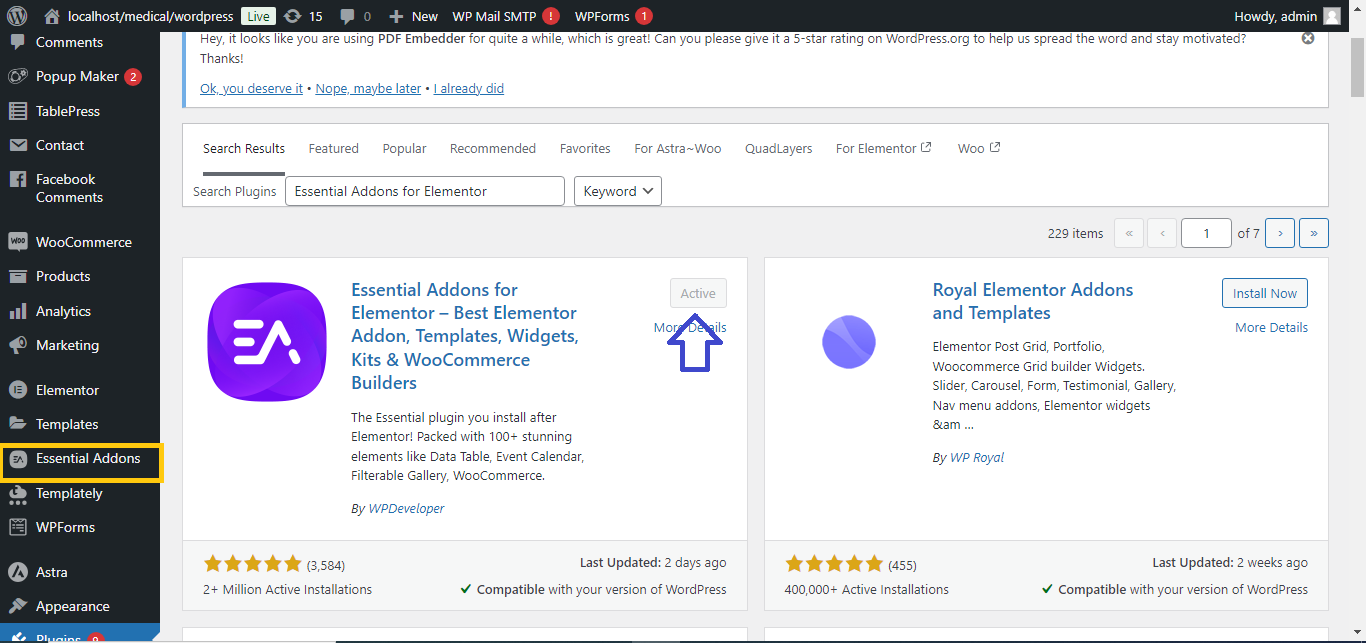
. Install Essential Addons for Elementor:
- Go to your WordPress Dashboard.
- Navigate to Plugins > Add New.
- In the search bar, type Essential Addons for Elementor.
- Click Install Now and then Activate
 .
.
2. Configure Essential Addons:
- After activation, go to Essential Addons under the WordPress menu.
- You’ll see a list of widgets and extensions. You can enable or disable the ones you need.
- Optionally, you can activate the Pro version if you’ve purchased it for additional widgets.

3. Use Essential Addons in Elementor:
- Open any page or post with Elementor by clicking Edit with Elementor.
- In the Elementor panel, you will now see the Essential Addons section, containing new widgets.
- Drag and drop any widget from Essential Addons onto your page and customize it.

4. Publish Your Changes:
- After customizing your page with the Essential Addons widgets, click Publish or Update to make the changes live.

With these steps, you can easily add and use Essential Addons for Elementor to enhance your website’s design.


