
Create Users & Roles in WordPress

teps to Create Users & Assign Roles in WordPress:
- Log in to WordPress Dashboard:
- Go to your WordPress website and log in using your admin credentials.

- Navigate to Users Section:
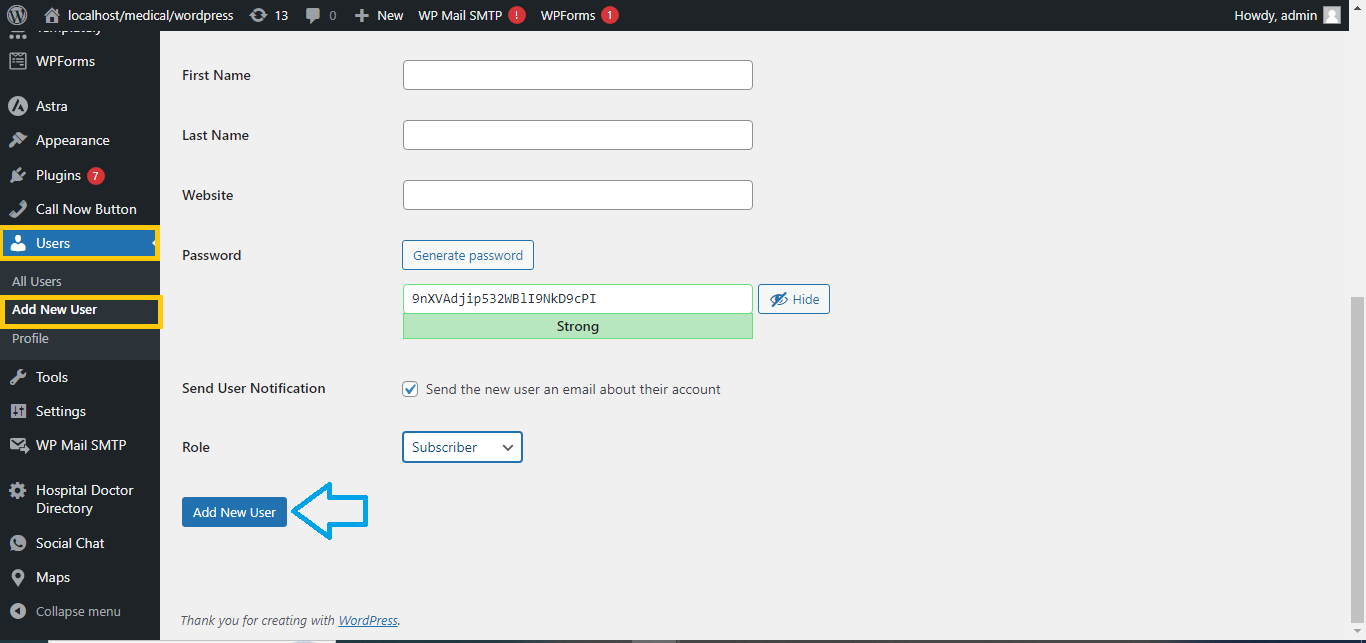
- In the left-hand menu, click on Users and then select Add New.
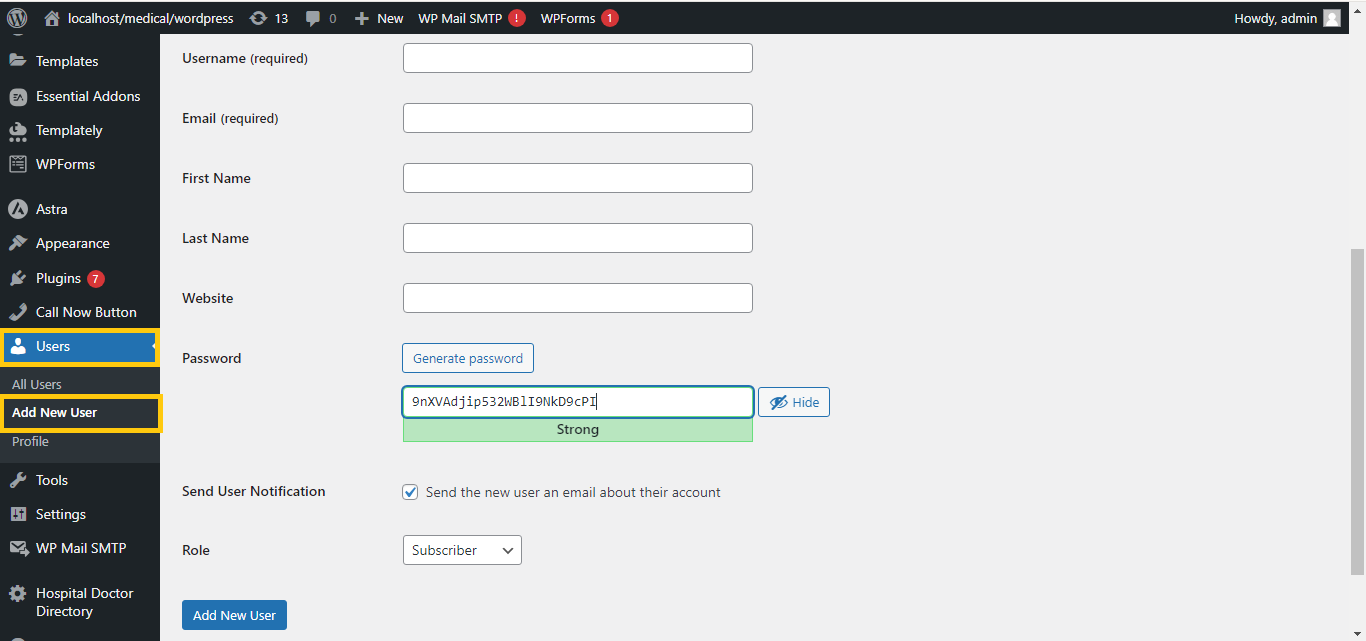
- Fill Out User Information:
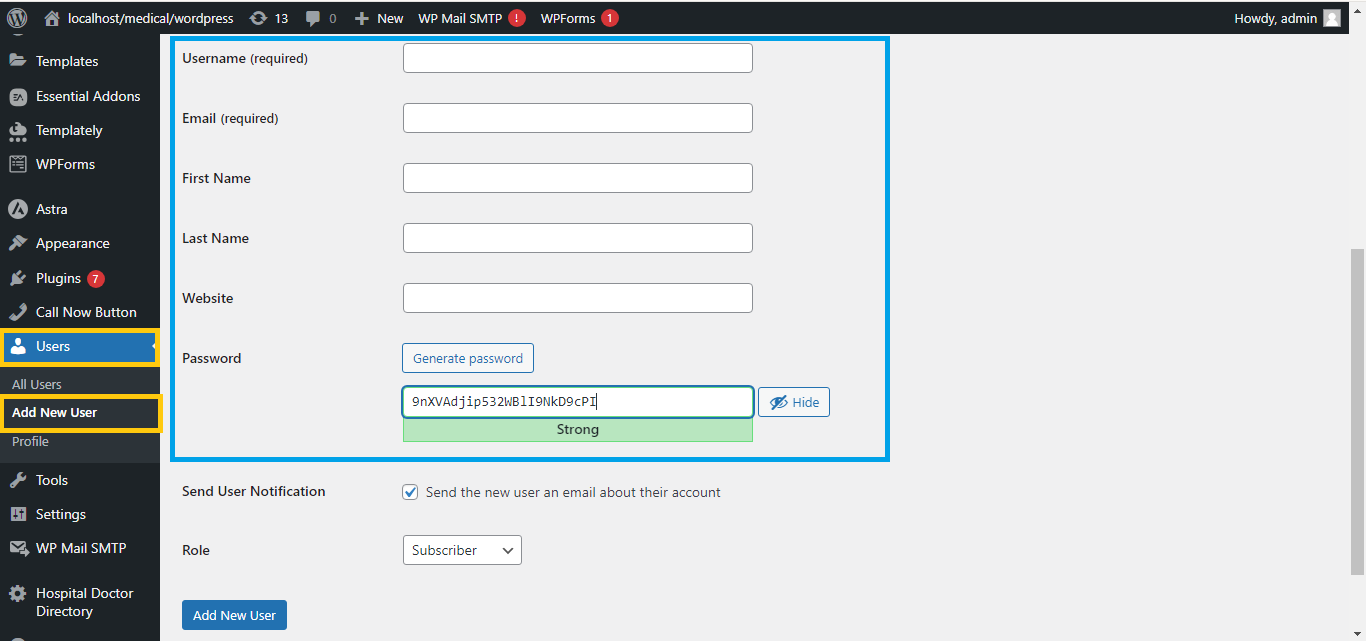
- Enter the required details:
- Username (required)
- Email Address (required)
- First Name and Last Name (optional)
- Website (optional)
- Password (automatically generated or set a custom one)
- Enter the required details:
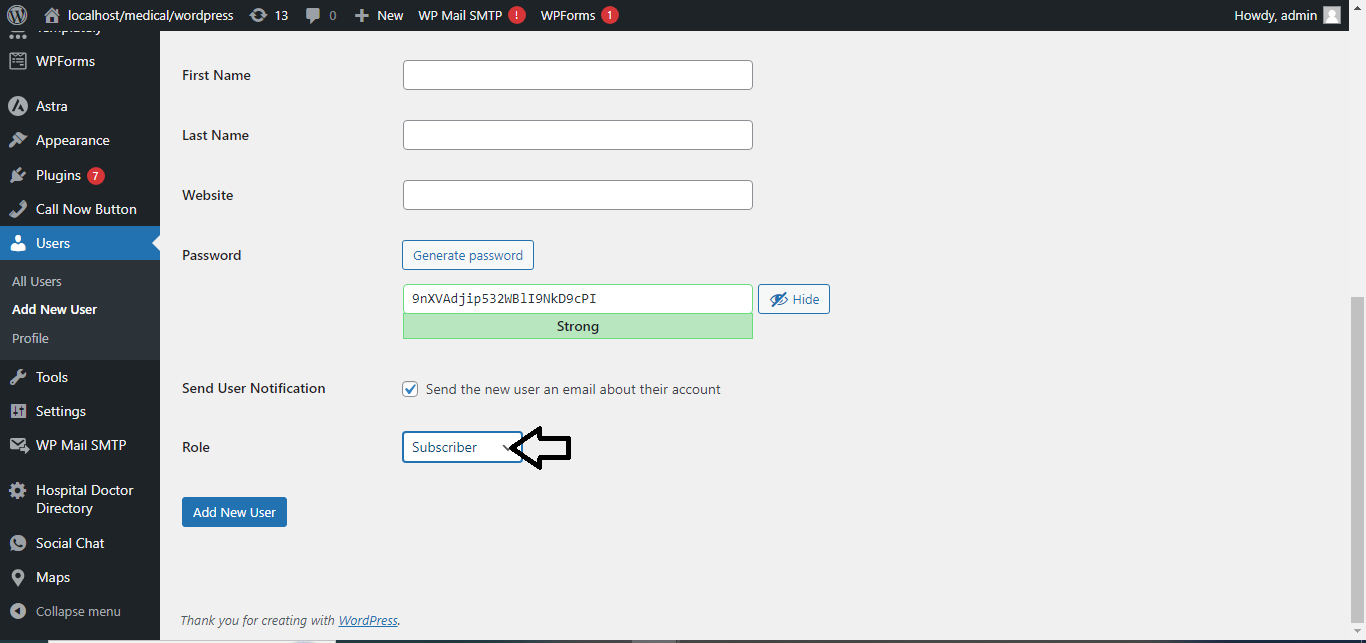
- Assign a Role:
- Under the Role dropdown, select a user role:
- Administrator: Full access to everything.
- Editor: Can manage and publish all posts/pages.
- Author: Can publish and manage their own posts.
- Contributor: Can write and manage their own posts, but cannot publish.
- Subscriber: Can only manage their profile and view content.
- Under the Role dropdown, select a user role:
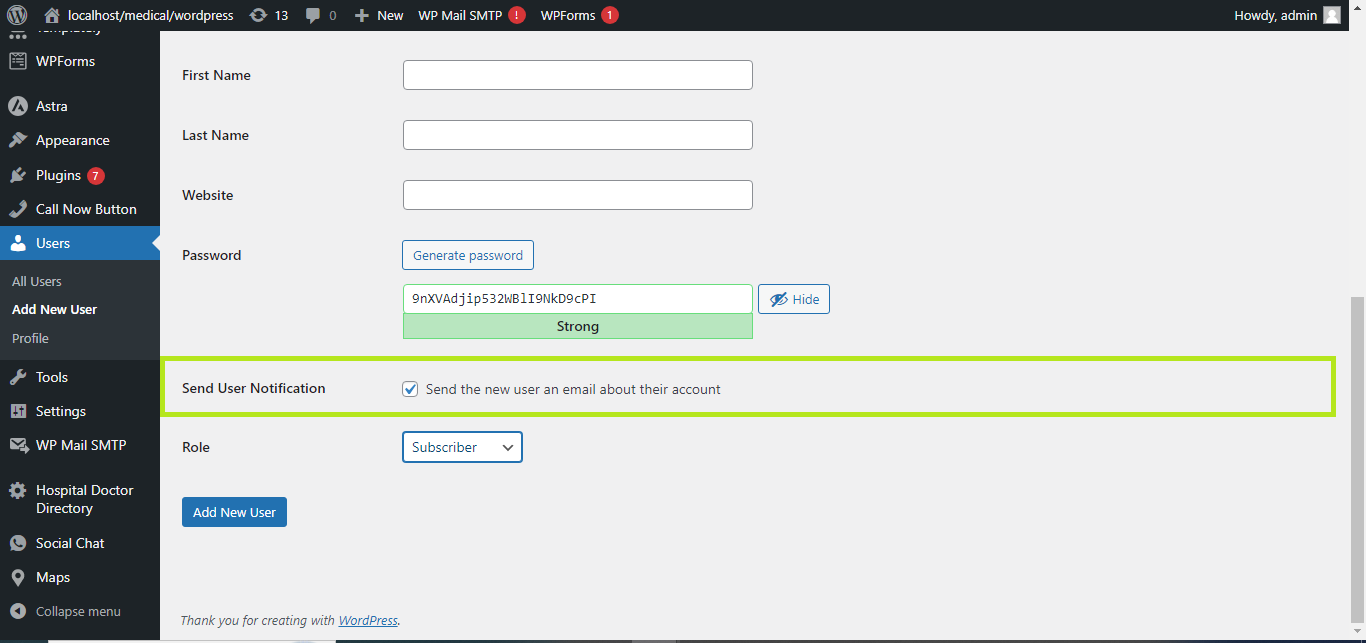
- Send User Notification (Optional):
- Check the box “Send User Notification” if you want to email the new user their login details.
- Click Add New User:
- After filling out the form, click the Add New User button.
User Roles Summary:
- Administrator: Full control over the site.
- Editor: Manages content created by others.
- Author: Publishes their own posts.
- Contributor: Writes but can’t publish posts.
- Subscriber: Can view content and update their profile.
That’s it! You’ve successfully created a user and assigned a role in WordPress.


