Add Tables in WordPress Without Plugin

- Go to the Post/Page Editor:
- Navigate to the page or post where you want to add the table.
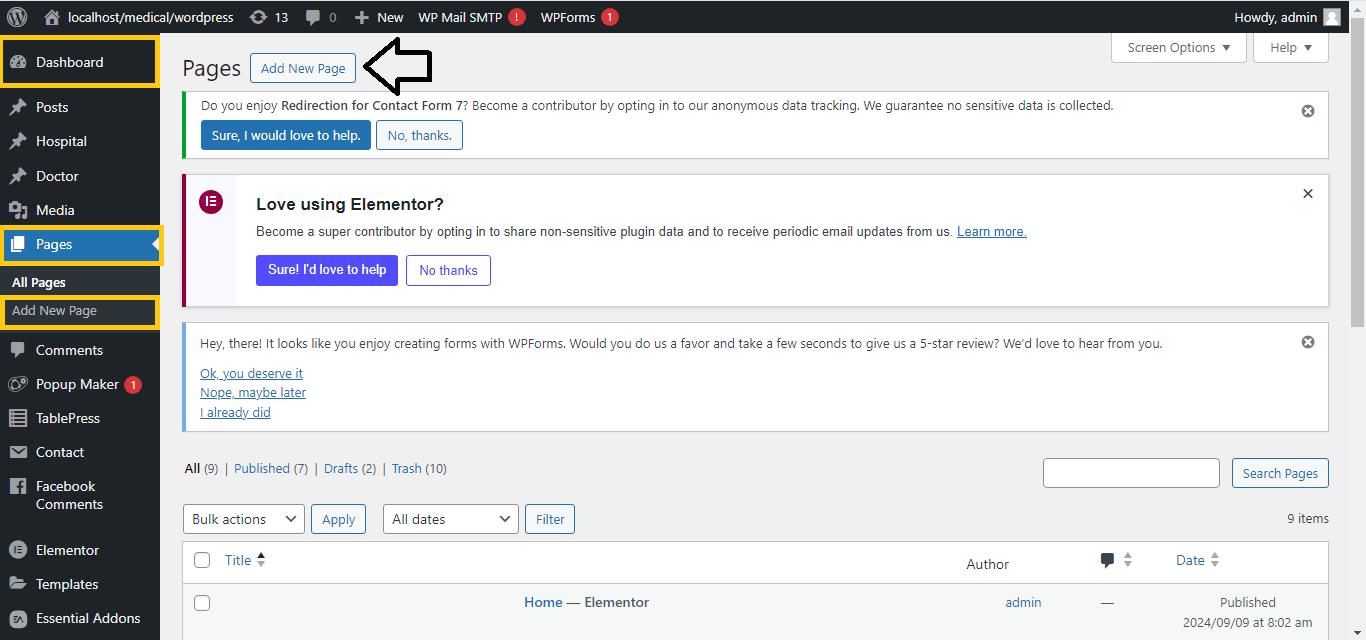
- Add a Table Block:
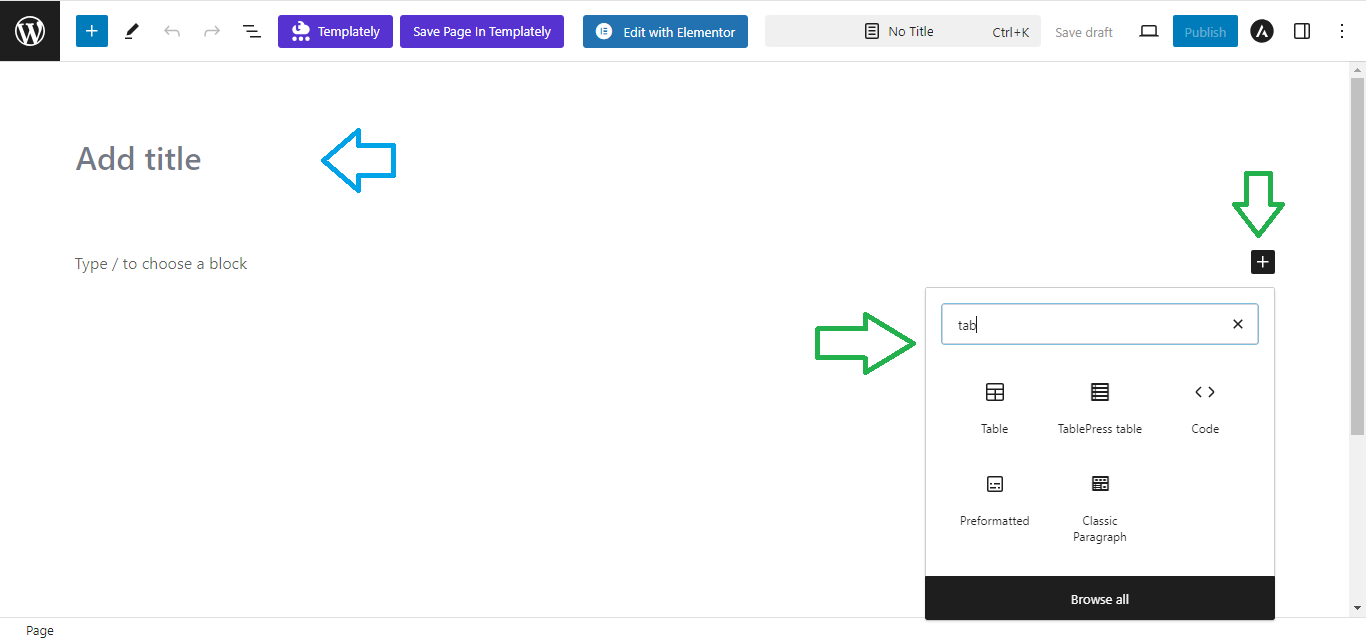
- Click on the “+” button to add a new block.
- Search for Table and select it.
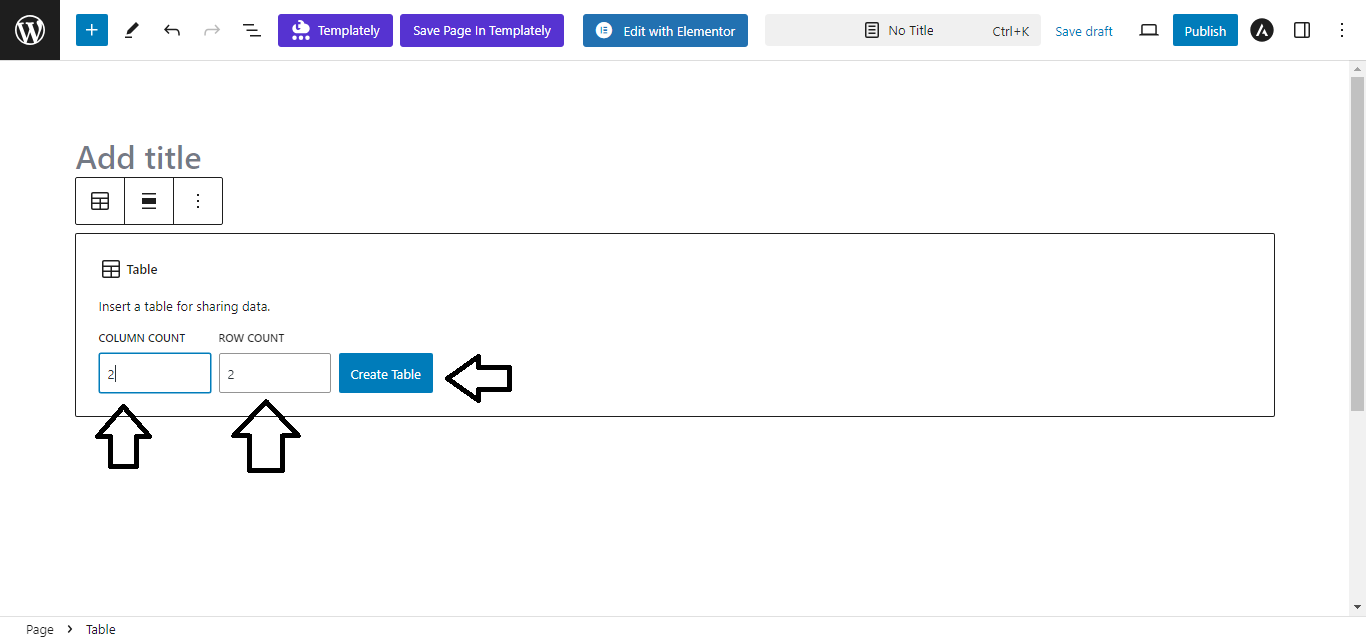
- Define the Table Size:
- You’ll be prompted to choose the number of rows and columns. Input your desired values.
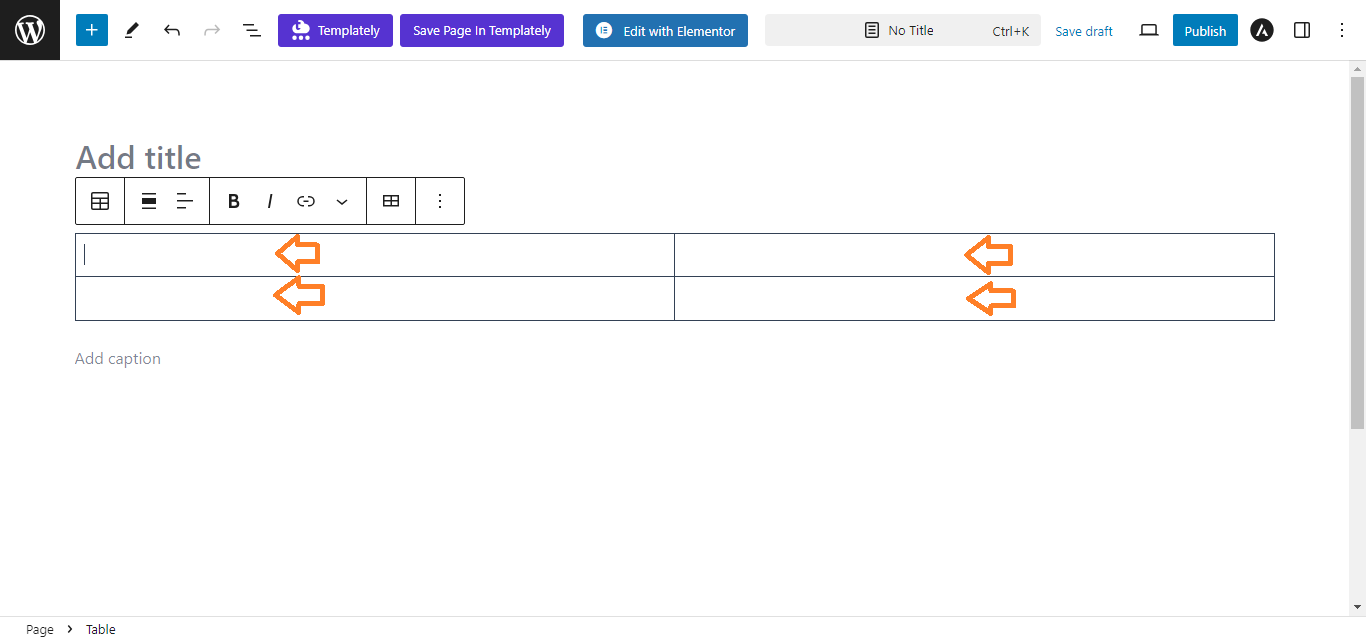
- Enter Content:
- Fill in the cells of the table with your data by clicking on each cell.
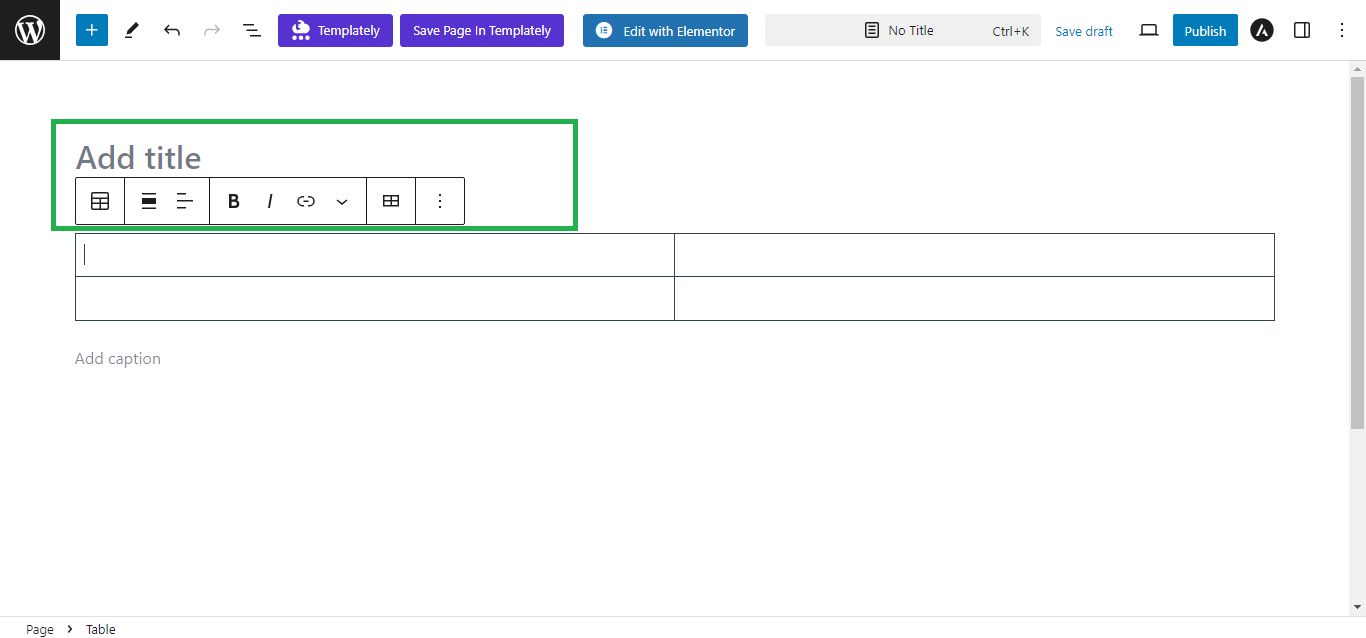
- Customize the Table:
- Use the block toolbar to adjust the alignment, table style (e.g., stripes), or add/remove rows/columns as needed.
- Publish or Update:
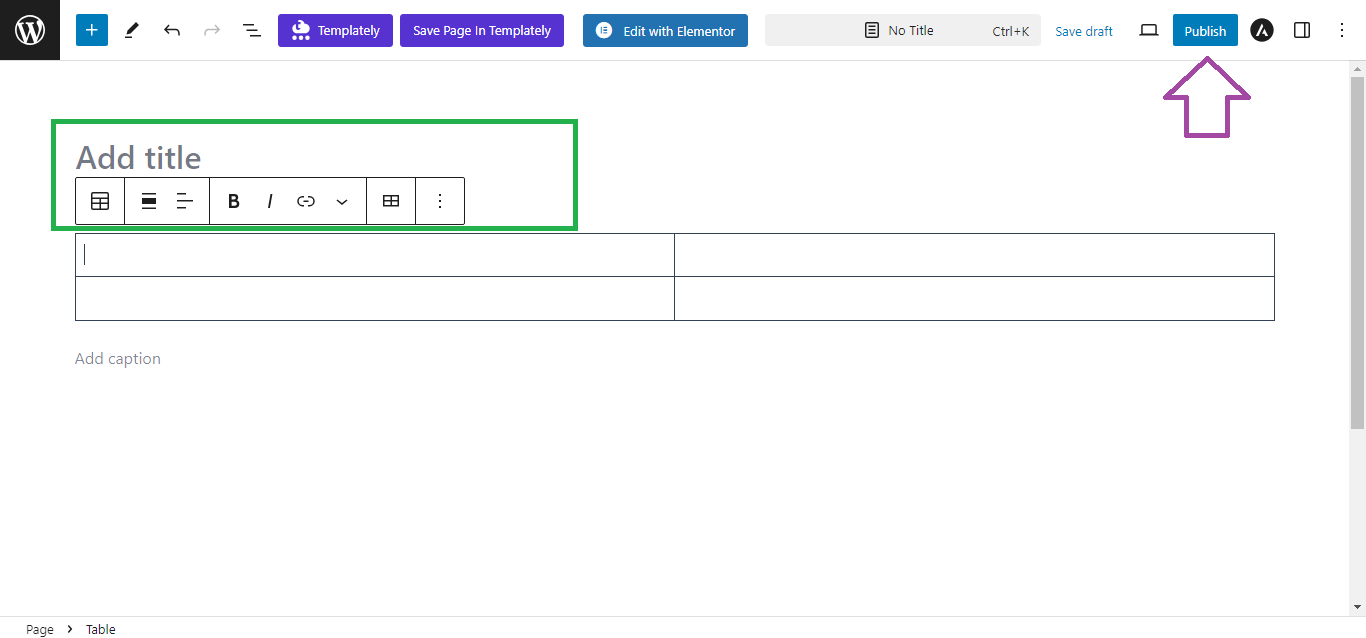
- Once you’ve customized the table, click Publish or Update to save your changes.
That’s it!


