How to Buy a Domain name and Web Hosting?

Here’s a step-by-step guide on how to buy a domain name and web hosting:
Step 1: Choose a Domain Registrar and Hosting Provider
You can buy a domain name and web hosting from the same provider or separately. Popular providers include:
- Domain Registrars: GoDaddy, Namecheap, Google Domains
- Web Hosting Providers: Bluehost, SiteGround, HostGator, DreamHost

Step 2: Search for a Domain Name
- Go to a domain registrar or a hosting provider’s website.
- Look for the Domain Search bar and enter your preferred domain name.
- Check the availability. If it’s already taken, the platform will suggest alternatives.
Tips:
- Choose a domain that’s short, easy to spell, and reflects your brand or website purpose.
- Common domain extensions are
.com,.net,.org, but there are many others like.store,.co,.tech.

Step 3: Select the Domain and Add to Cart
- Once you find an available domain name, add it to your cart.
- The system will typically ask if you want additional services (like domain privacy protection) to hide your personal information from public databases.
Step 4: Choose a Hosting Plan
- Next, pick a web hosting plan based on your website’s needs.
- Shared Hosting: Best for beginners or small websites.
- VPS Hosting: Good for larger websites that need more resources.
- Dedicated Hosting: Ideal for very large websites or businesses needing their own server.
Tips:
- Many hosting providers offer free domains for the first year when you buy their hosting services.

Step 5: Add Hosting to Cart
- Choose the hosting package duration (e.g., 1 year, 2 years).
- Look for any additional services like automatic backups, SSL certificates, and email hosting. Most plans bundle an SSL certificate for free.

Step 6: Review and Checkout
- Review your domain name, hosting plan, and any added features.
- Apply any discount codes if available.
- Enter your billing information and complete the purchase.
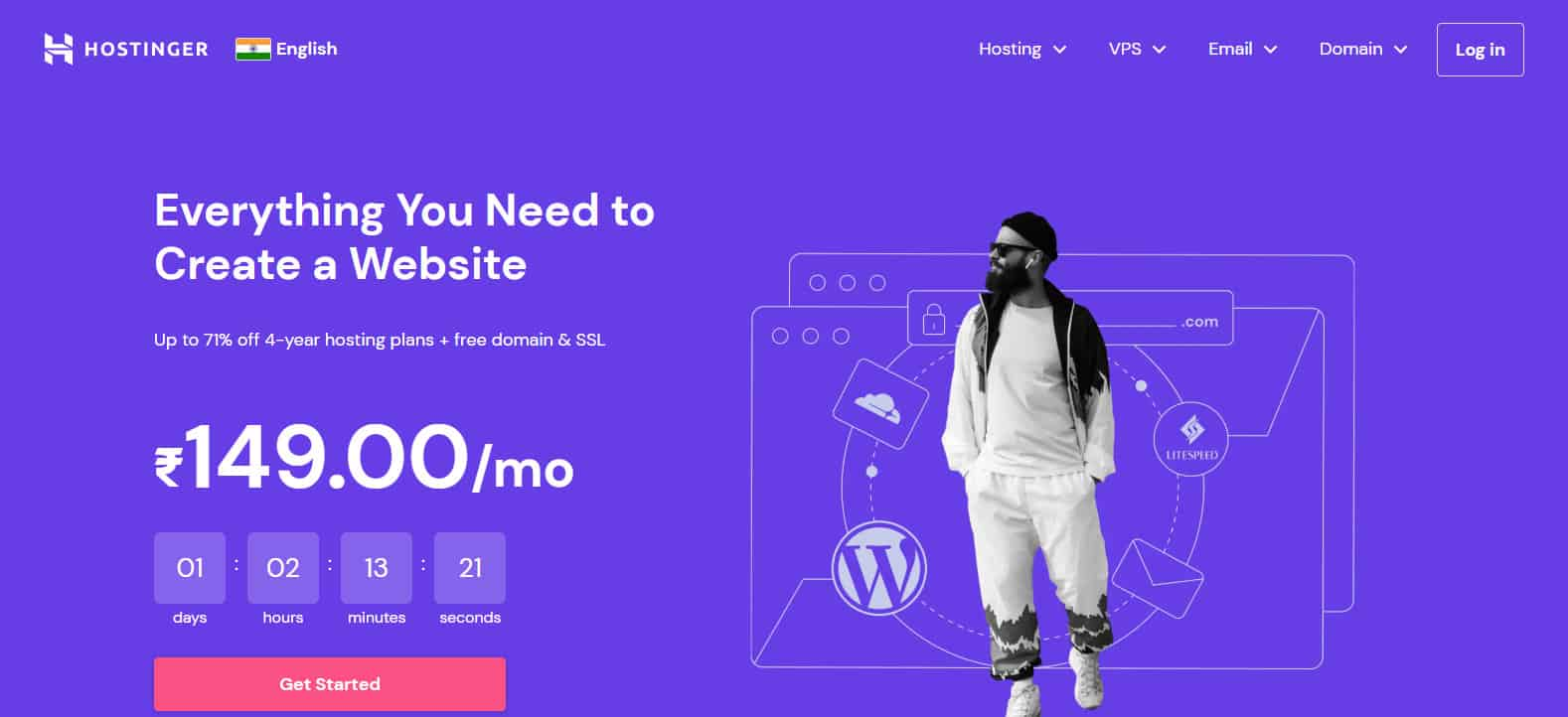
Step 7: Set Up Your Website
- After purchasing, you’ll receive login details for your web hosting control panel (like cPanel).
- From here, you can install a website platform (like WordPress) to begin building your site.
Now you have both your domain and hosting! You can connect them and start building your website.


