Adding Start Rating

Adding Star Rating in Elementor:
- Open Elementor Editor:
- Go to the page you want to edit and click Edit with Elementor.

- Search for the Star Rating Widget:
- In the Elementor panel (on the left), type “Star Rating” in the search bar.

- Drag and Drop the Star Rating Widget:
- Drag the Star Rating widget to the desired location on your page.
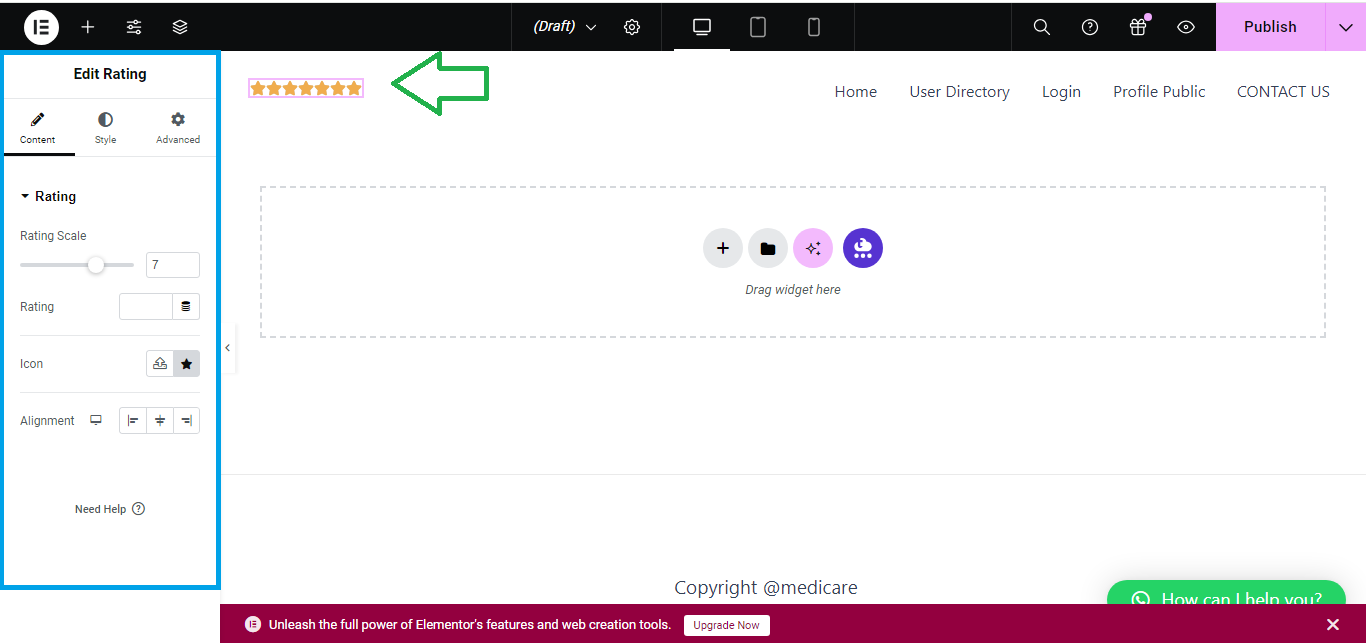
- Customize Star Rating:
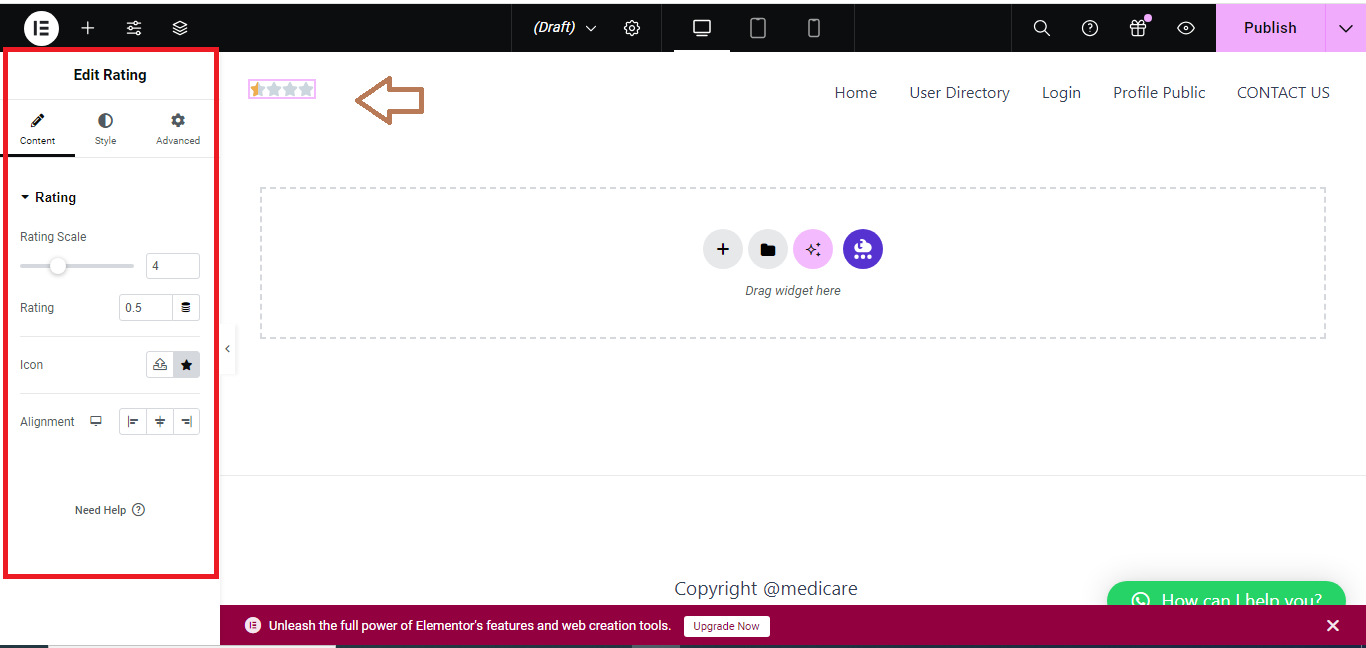
- Under the Content tab, you can:
- Set the rating value (from 1 to 5 stars).
- Change the number of stars (e.g., 3, 5, etc.).
- Add a title or description if needed.
- Under the Content tab, you can:
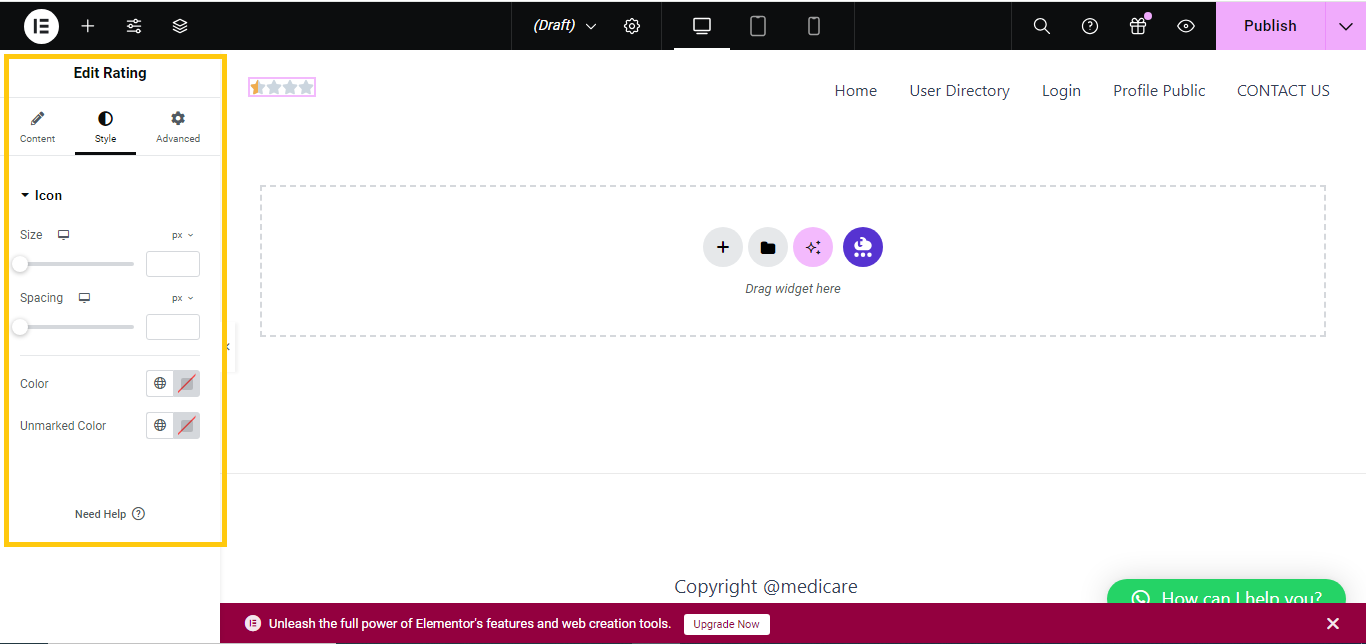
- Style the Star Rating:
- Go to the Style tab to adjust the appearance:
- Customize the star size, color, and spacing.
- You can also adjust the typography of any accompanying text.
- Go to the Style tab to adjust the appearance:
- Preview and Save:
- Preview the page to see how the star rating looks. Once you’re happy with it, click Update to save your changes.

That’s it! You’ve successfully added a star rating to your Elementor page.


