
Custom Post Order in WordPress

Here’s how to change the order of your custom posts in WordPress using a plugin:
Step 1: Install the “Simple Custom Post Order” Plugin
- Go to Plugins > Add New in your WordPress dashboard.
- In the search bar, type “Simple Custom Post Order.”
- Click Install Now on the plugin.
- After installation, click Activate.

Step 2: Configure the Plugin
- Go to Settings > SCPOrder in your dashboard.

- In the settings, select the post types you want to enable custom ordering for (e.g., posts, pages, custom post types).

- Click Save Changes.

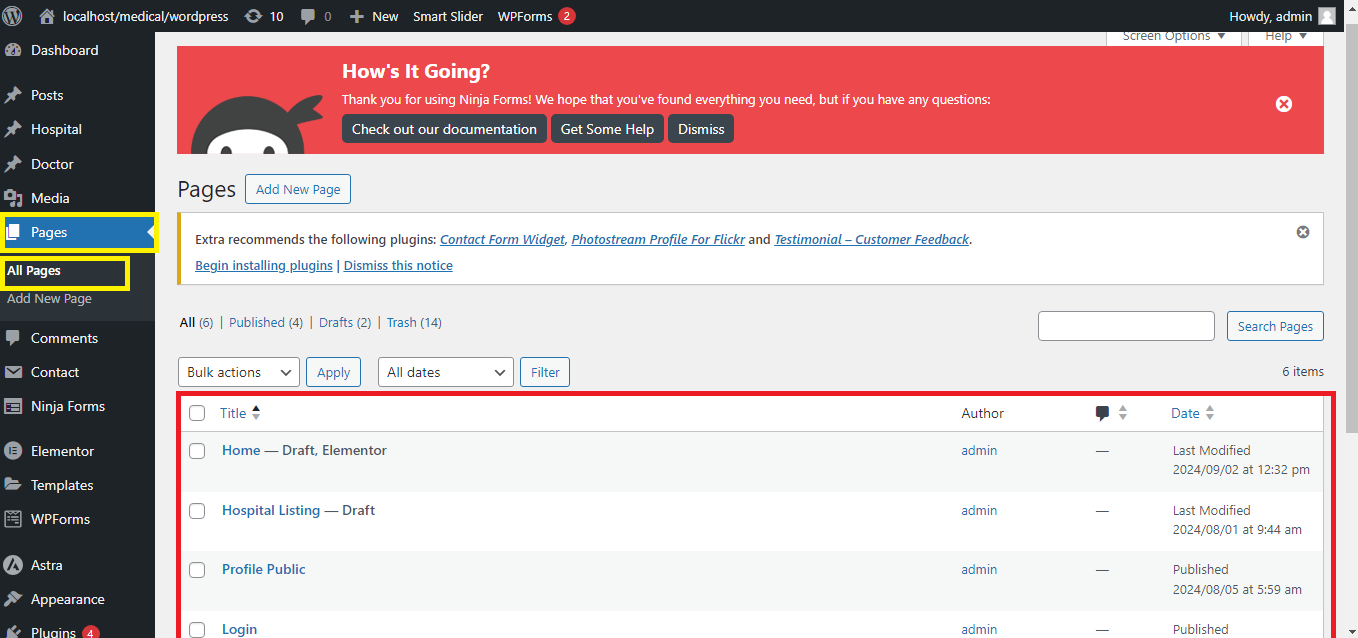
Step 3: Reorder Your Posts
- Go to the Posts (or the selected custom post type) section in your dashboard.
- You will now be able to drag and drop posts to reorder them.
- Simply drag the posts into your desired order.
Step 4: Save the New Order
- The order will automatically save as you drag and drop the posts.
Step 5: View the Updated Order
- Visit your website to see the posts displayed in the new order.
That’s it! You’ve successfully customized the order of your posts in WordPress using the “Simple Custom Post Order” plugin.


