Disable Right Click On WordPress Website

To disable right-click on your WordPress website, you can follow these simple steps:
Option 1: Using a Plugin
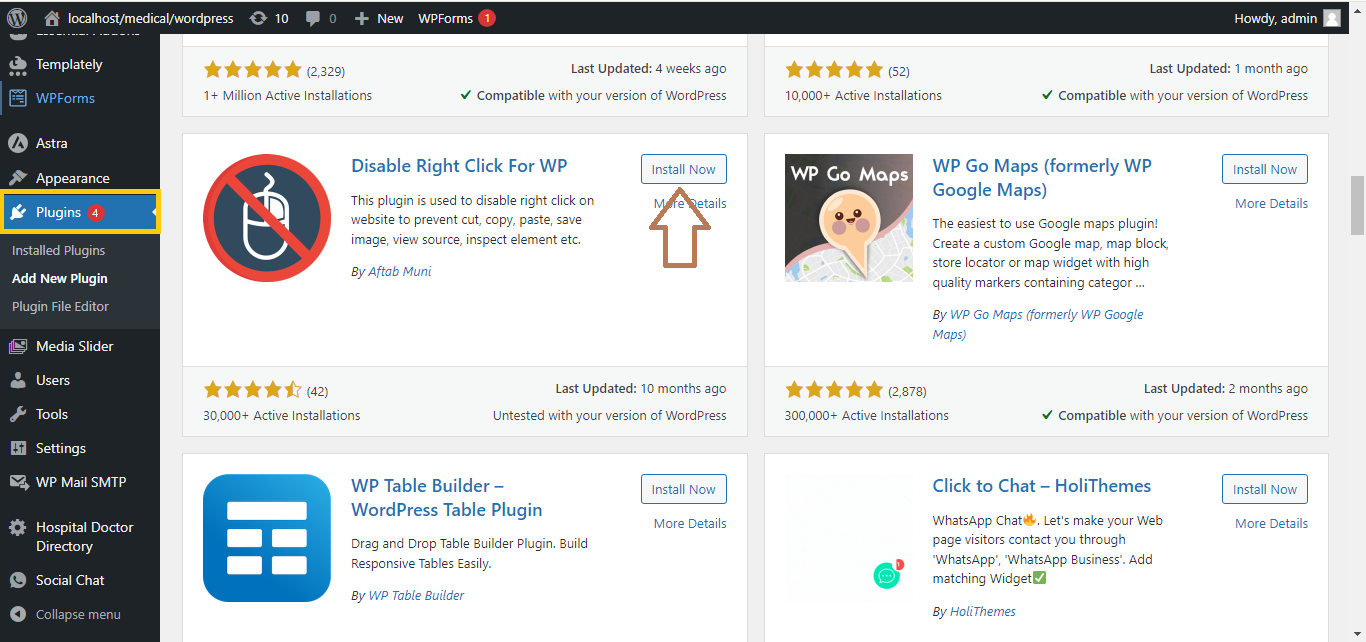
- Install and activate a plugin:
- Go to your WordPress dashboard.
- Navigate to Plugins > Add New.
- Search for a plugin like “WP Content Copy Protection” or “Disable Right Click for WP.”
- Install and activate the plugin.
- Configure the plugin:
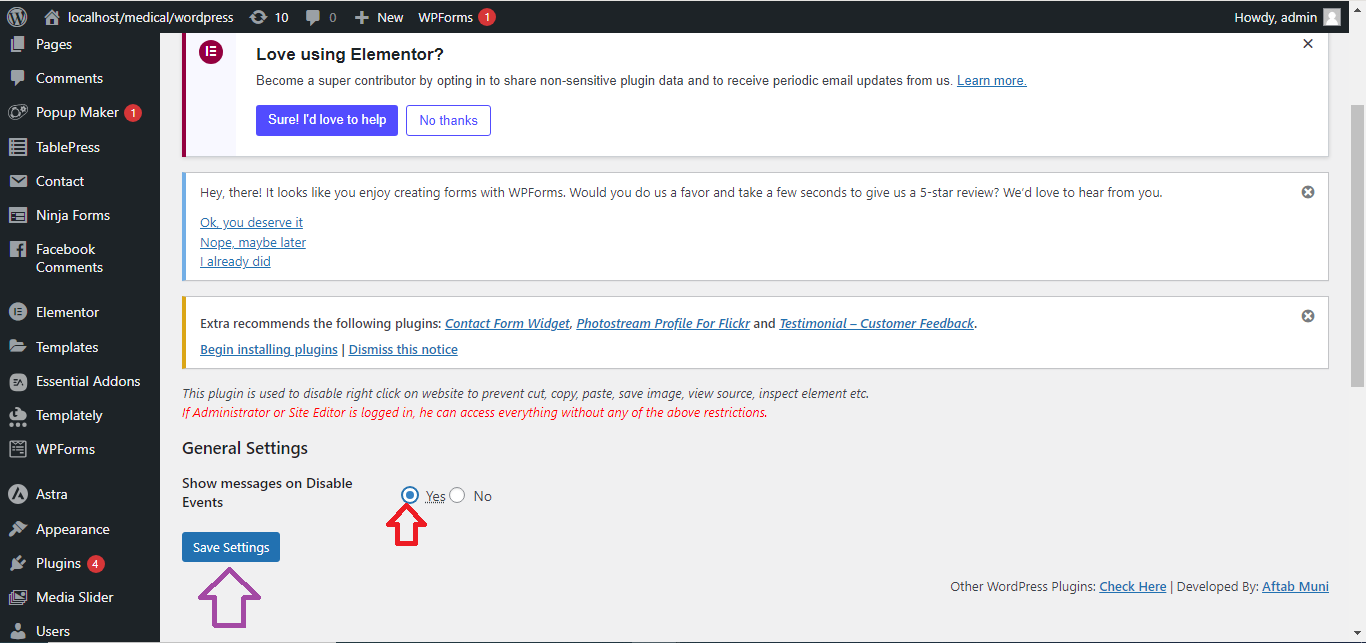
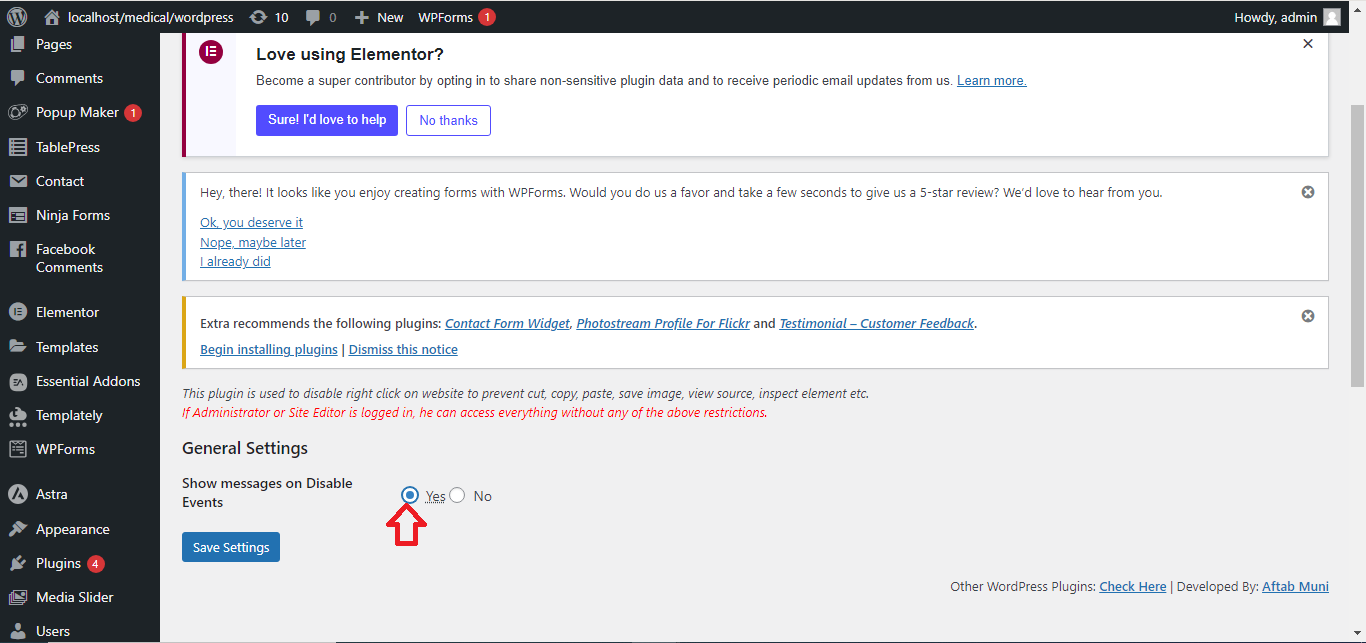
- After activation, go to the plugin settings (usually found under Settings or directly under the Plugins section).

-
- Enable the option to disable right-click and other desired protection features.
- Save settings:
- Save your settings and check your website to ensure right-click is disabled.